
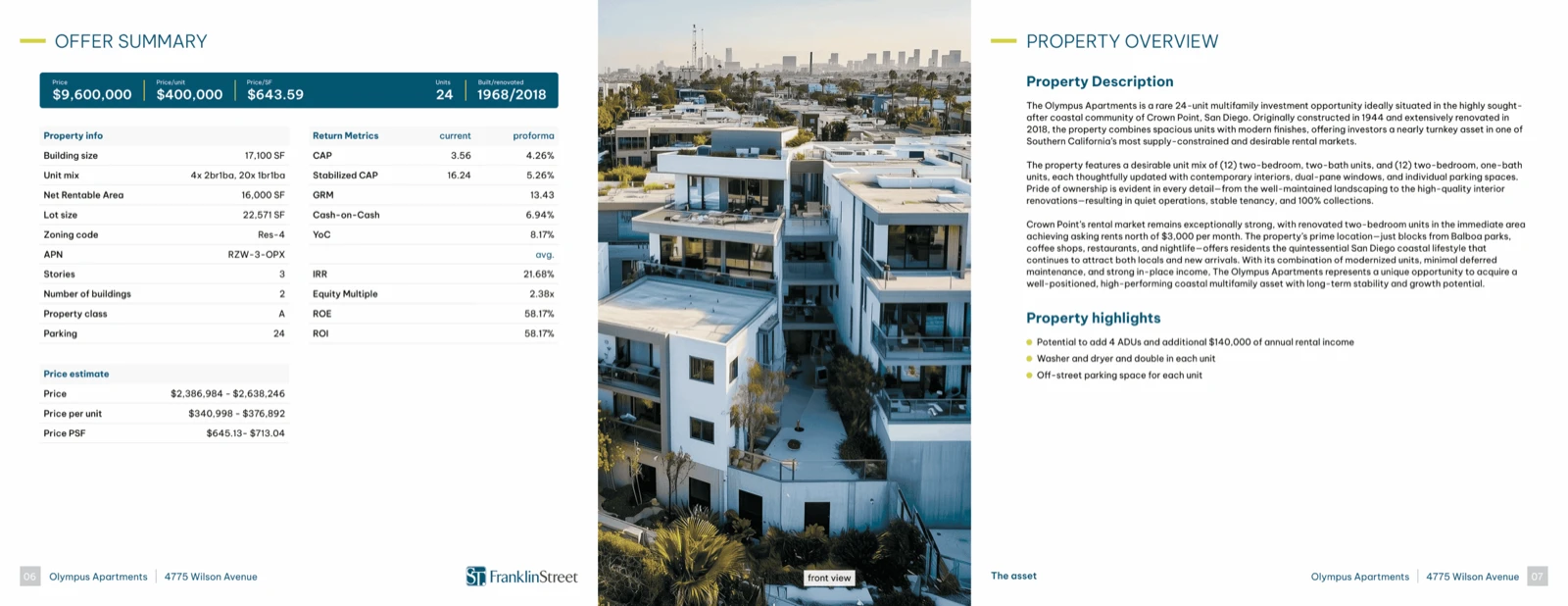
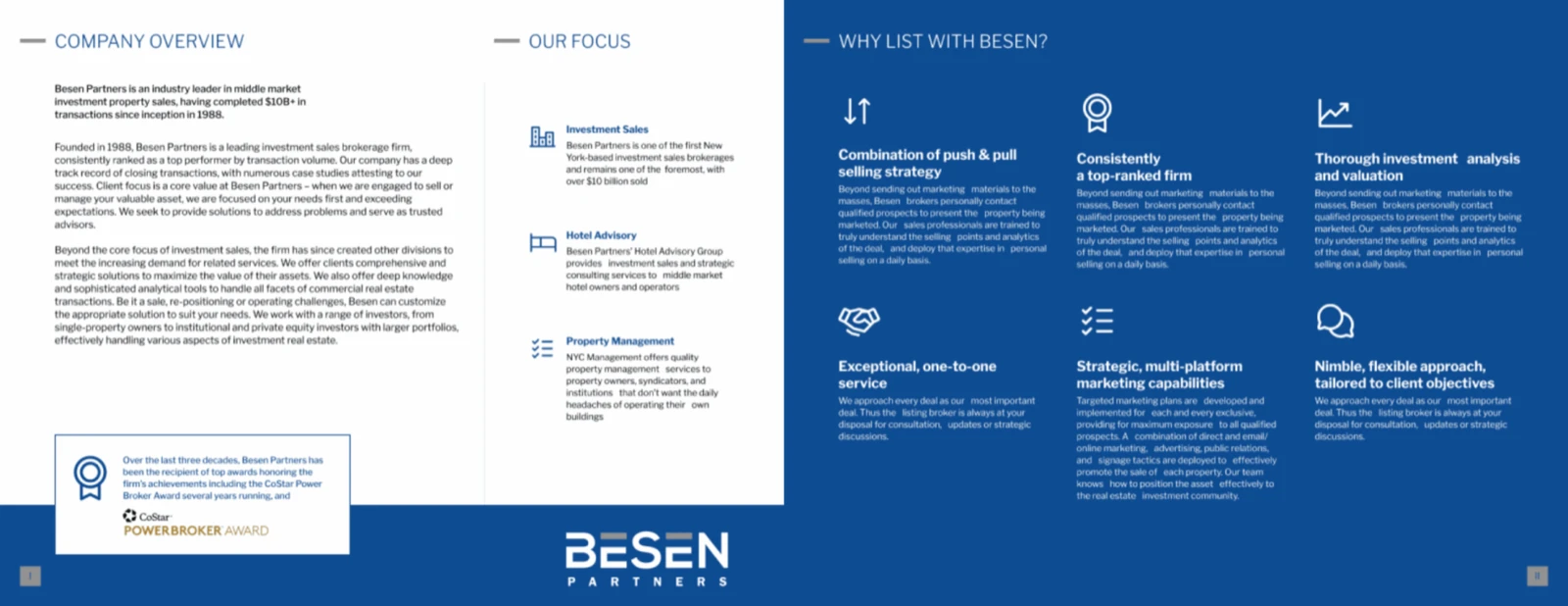
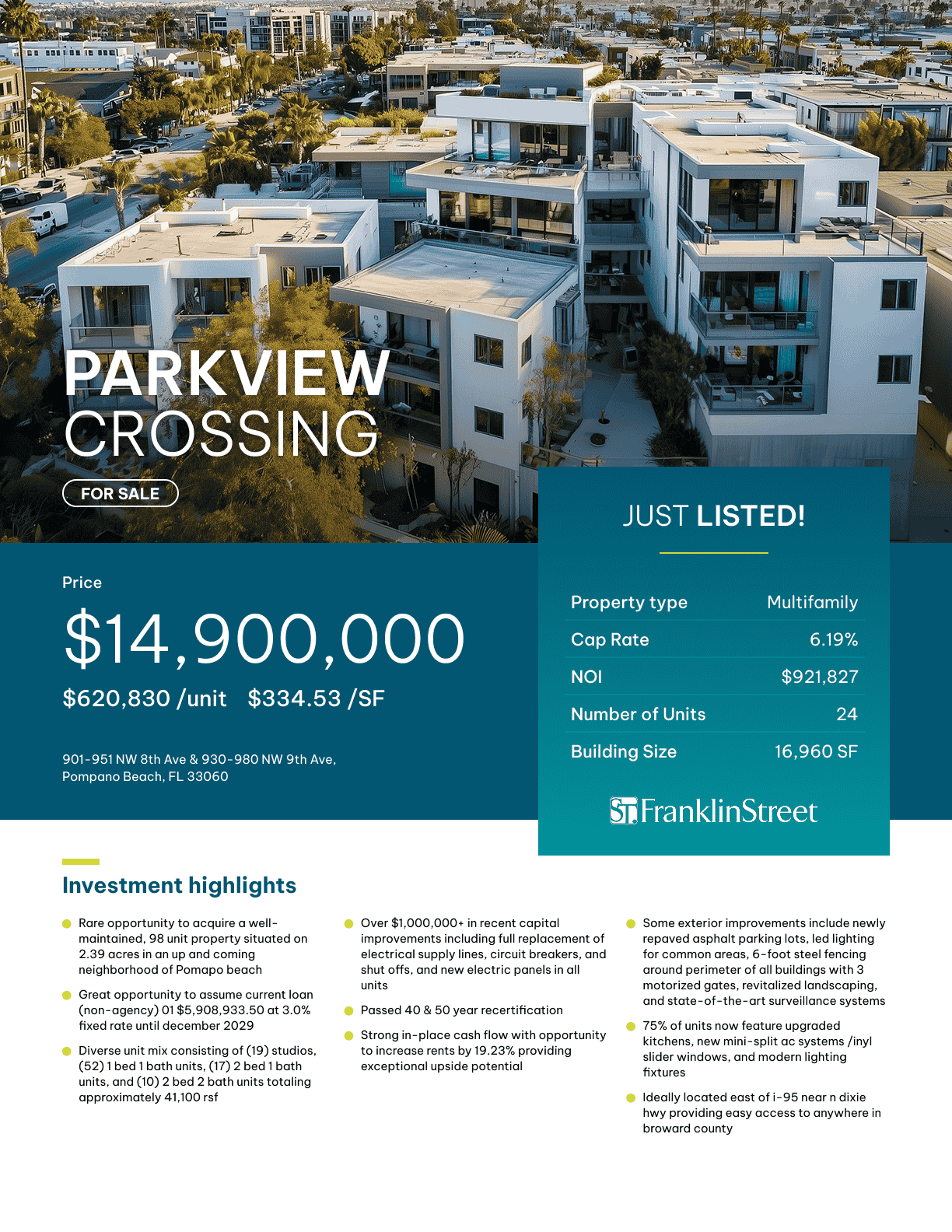
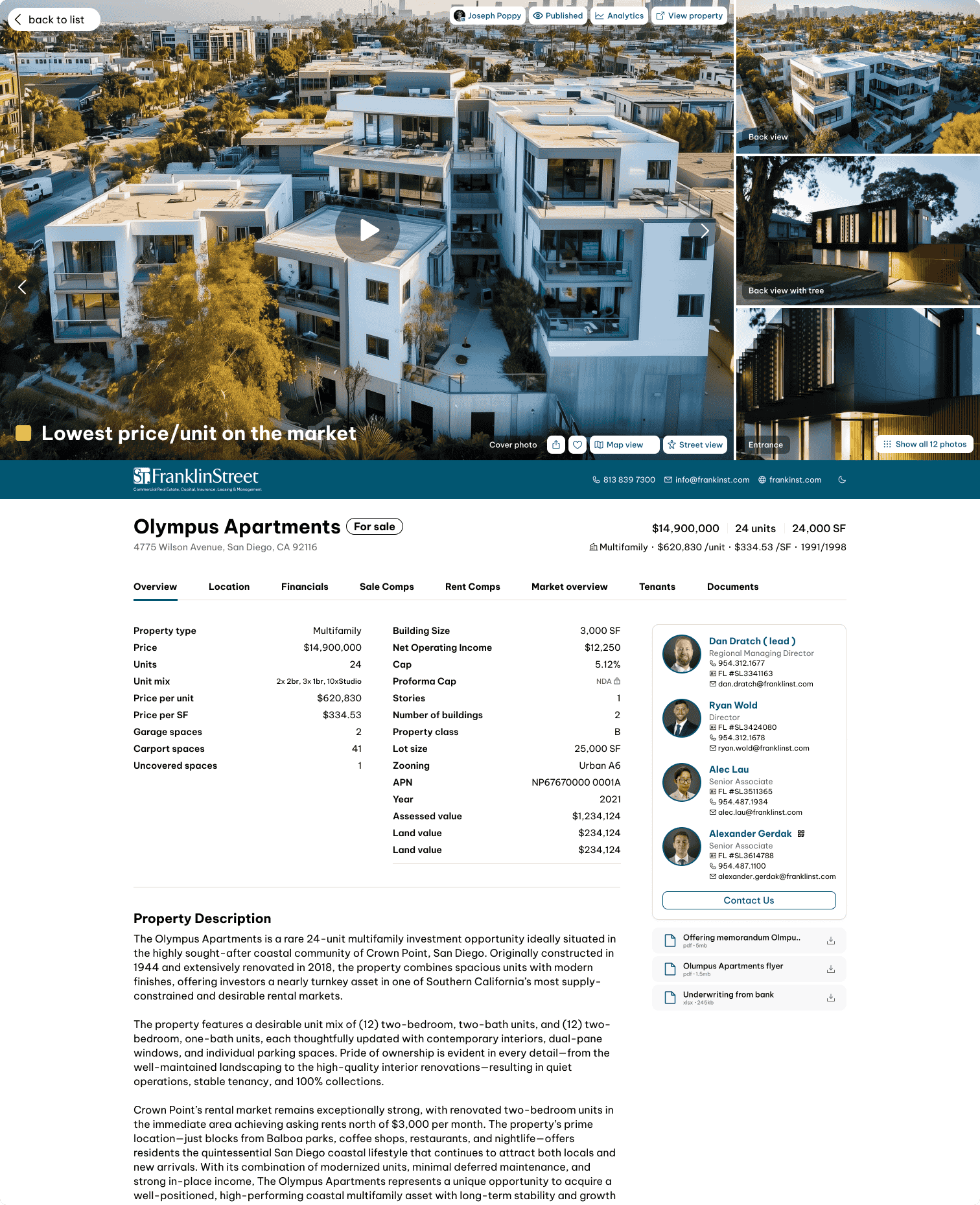
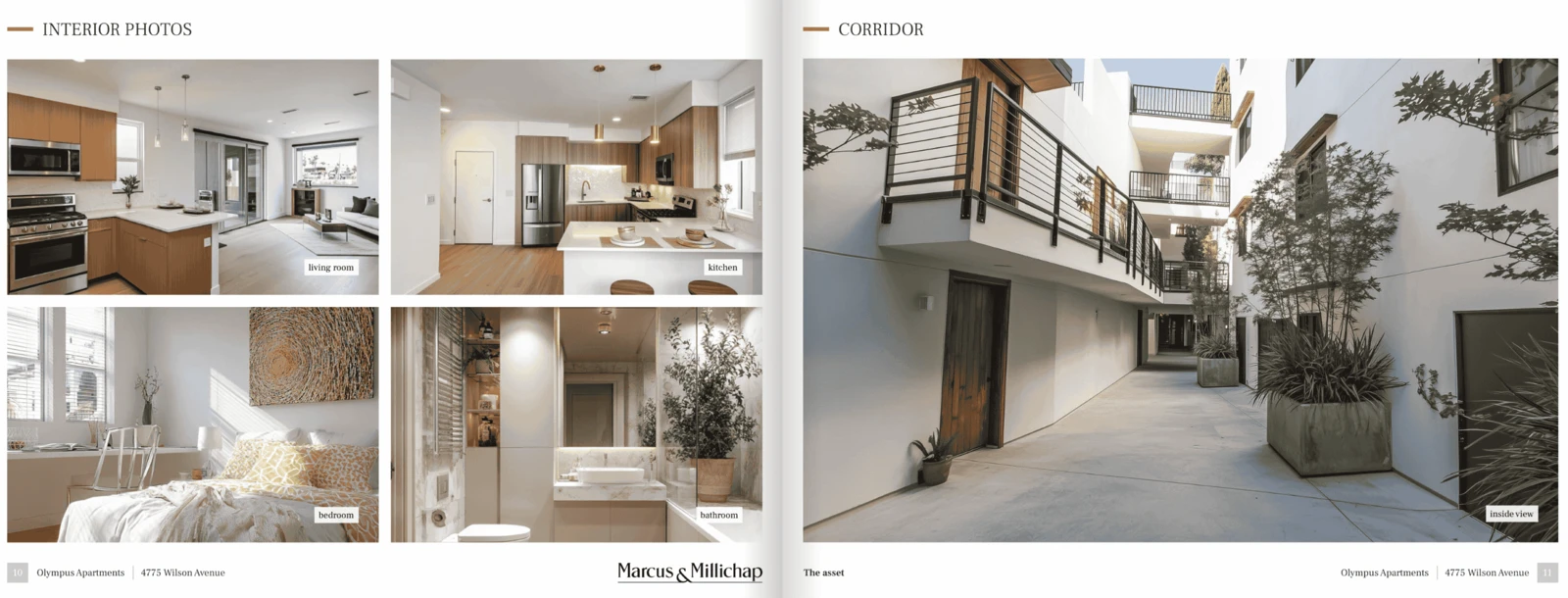
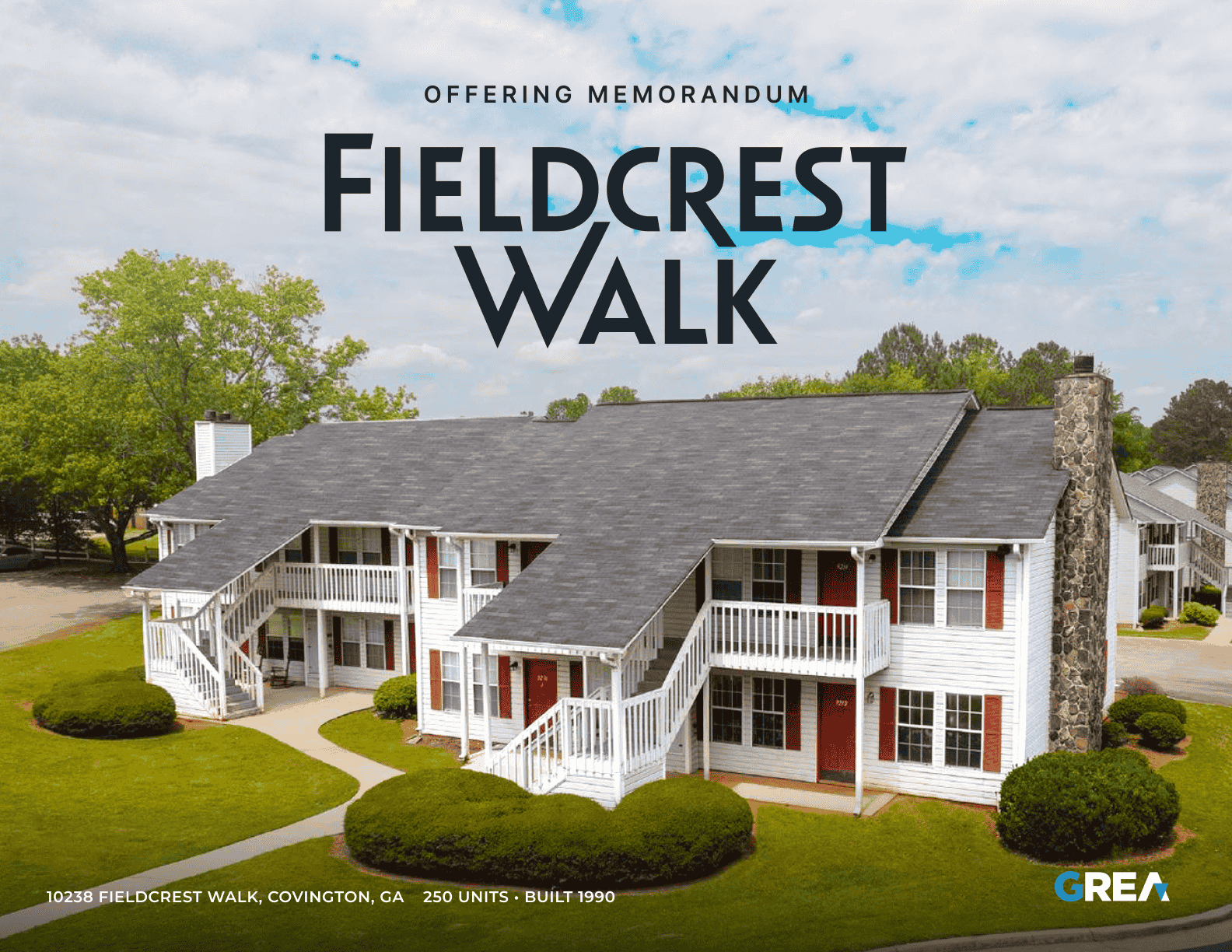
Offering Memorandum · Office
Free Office Offering Memorandum (OM) Template: PowerPoint, Google Slides & AI
A brokerage-neutral office offering memorandum in the same page order as the default OM in IntellCRE, with the pages office buyers actually ask for. Placeholders only, no invented data.
What you get
- A PowerPoint OM with the IntellCRE page order and two office-specific pages: Tenant Roster and Lease Summary and Lease Rollover Schedule.
- A short “what goes here” note on every page and a placeholder for every figure; nothing is filled in with made-up data.
- A Keynote file, a Google Slides route (import the PowerPoint), a Markdown template, a Claude Skill, and prompt and custom GPT text for Claude, ChatGPT and Gemini.
See all free office templates →
What makes an office OM different
Office value turns on the lease roll. A buyer prices each tenant's term, expiring rent versus market and the cost to re-lease, so the document leads with the tenant roster, WALT and a rollover schedule with TI and commission costs.
That is why this template does not reuse a generic deck. The questions buyers ask first about office property are specific, and the document should answer them without being asked:
- Who are the tenants, and when does each lease expire?
- What will it cost, in TI and commissions, to re-let the space that rolls?
- Is the quoted rent full service or net, and what is the expense stop?
- How much of the occupancy is signed but not yet paying rent?
The metrics buyers look for
The summary page of this office OM is built around six numbers. Show only the ones you can support with a source or a calculation.
- Price per SF
- In-place cap rate
- Occupancy
- WALT
- Average rent per SF
- TI/LC reserve
The property-data table beside them covers: rentable building area (sf), floors and floor plate size, year built / renovated, parking ratio, building class, expense structure (full service / nnn).
The office-specific pages
Tenant Roster and Lease Summary
Columns: Tenant, Suite, SF, % of building, Rent per SF, Lease start, Lease end, Options. State the as-of date and where the figures come from.
Lease Rollover Schedule
Columns: Year, SF expiring, % of building, Expiring rent per SF, Market rent per SF, TI/LC allowance. Cite documents, not memory.
Comparables
Sale comps use these columns: Building SF, Year built, Sale price, Price per SF, Cap rate, Occupancy at sale, WALT. Rent or rate comps use: Property, Class, Suite size, Asking rent per SF, Expense basis, TI package.
Assumptions to state
Every projection in an office OM rests on assumptions a buyer will test. The Assumptions page has rows for: downtime on rollover, renewal probability, ti allowance (new / renewal), leasing commissions, free rent, expense stops / recoveries.
Back it up: documents to have ready
An office OM is only as credible as the documents behind it. Collect these before you publish figures.
Leases
- All leases, amendments and commencement letters: Leases, not the rent roll, are the source of truth
- Tenant estoppel certificates and SNDAs: Confirms terms and lender requirements
Operations
- CAM and operating expense reconciliations, last 3 years: Tests recoveries and base-year or stop calculations
- Tenant improvement and leasing commission obligations schedule: Sizes outstanding capital owed
- Parking agreements and signage rights: Often negotiated per tenant
Physical
- HVAC, elevator and roof service records: Office buildings carry large systems risk
Compliance
- ADA and life-safety inspection reports: Identifies required upgrades
Leasing
- Broker commission agreements: Unpaid commissions can run with the property
Common office mistakes
- Quoting rent per SF without saying full service or NNN
- Omitting TI/LC and downtime from rollover
- Presenting occupancy without lease expirations
- Counting signed-but-not-commenced leases as in place
Market data
The market page has rows for: submarket vacancy, average asking rent per sf, net absorption (12 mo), sublease availability, space under construction, office-using employment. Put the source and the date next to each one.
Use it with AI: Claude, ChatGPT, Gemini
Paste your deal facts and get a draft office OM in this structure. The prompt uses only the facts you give it and marks gaps as [TBD].
Show the ready-to-paste prompt
You are a commercial real estate marketing analyst helping a broker draft an Office Offering Memorandum (Office OM).

Draft the Office OM in the structure below. Use ONLY the facts I give you. Where a fact is missing, write [TBD: what is needed] instead of guessing.

STRUCTURE
1. Intro
   - Cover Page: [Property name]; [Address]
   - Presented By: [Brokerage]; [counsel-approved disclaimer]
2. Executive Summary
   - Price estimate: [$]
   - Price per SF: [ ]
   - In-place cap rate: [ ]
   - Occupancy: [ ]
   - WALT: [ ]
   - Average rent per SF: [ ]
   - TI/LC reserve: [ ]
   - Rentable building area (SF): [ ]
   - Floors and floor plate size: [ ]
   - Year built / renovated: [ ]
   - Parking ratio: [ ]
   - Building class: [ ]
   - Expense structure (full service / NNN): [ ]
3. The Asset
   - Property Overview: [Description]
   - Photos and Area: [Captions; area description]
   - Points of Interest: [List with distances]
4. Tenant Roster and Lease Summary
   - Tenant: [ ]
   - Suite: [ ]
   - SF: [ ]
   - % of building: [ ]
   - Rent per SF: [ ]
   - Lease start: [ ]
   - Lease end: [ ]
   - Options: [ ]
5. Lease Rollover Schedule
   - Year: [ ]
   - SF expiring: [ ]
   - % of building: [ ]
   - Expiring rent per SF: [ ]
   - Market rent per SF: [ ]
   - TI/LC allowance: [ ]
6. Financials
   - Income and Expenses / Development Budget: [Current and proforma; source and period]
   - Assumptions: Downtime on rollover, Renewal probability, TI allowance (new / renewal), Leasing commissions, Free rent, Expense stops / recoveries
7. Sale Comparables
   - Sale Comps Summary: Building SF, Year built, Sale price, Price per SF, Cap rate, Occupancy at sale, WALT
8. Rent Comparables
   - Rent Comps Summary: Property, Class, Suite size, Asking rent per SF, Expense basis, TI package
9. Market Overview
   - Submarket vacancy: [Value; source and date]
   - Average asking rent per SF: [Value; source and date]
   - Net absorption (12 mo): [Value; source and date]
   - Sublease availability: [Value; source and date]
   - Space under construction: [Value; source and date]
   - Office-using employment: [Value; source and date]
10. Advisory Bios and Contact Us
   - Advisors: [Name, title, license, contact]

RULES
- Use only facts the user supplied. Never invent property data, tenants, statistics, comps or quotes.
- If a fact is missing, write [TBD: what is needed] in its place.
- Every market statistic needs its source and date as given by the user; otherwise mark it [TBD: source and date].
- Show arithmetic for any figure you derive and flag it as calculated.
- Write in plain, factual US English. Avoid unsupported superlatives.
- Avoid this office mistake: quoting rent per sf without saying full service or nnn.
- Avoid this office mistake: omitting ti/lc and downtime from rollover.
- Avoid this office mistake: presenting occupancy without lease expirations.
- Avoid this office mistake: counting signed-but-not-commenced leases as in place.
- Leave confidentiality and disclaimer text as [Insert the brokerage's counsel-approved language]; do not write legal text.

BEFORE YOU DRAFT
If essential facts are missing, ask me up to 8 short questions first, then draft once I answer.
If I say "just draft it", draft now and list every [TBD] at the end.

OUTPUT
Return the Office OM as clean Markdown, one heading per section above, followed by a checklist of every [TBD] item and every number I should double-check against source documents.

MY DEAL FACTS
[Paste property details, financials, rent roll, comps, market notes and anything else here.]
Fill it from a real deal
With the IntellCRE MCP connector, your assistant can pull the property, its unit mix and rents, and its selected comps from IntellCRE before it drafts. Or let IntellCRE build the document from your deal files: try IntellCRE, free to start.
Download Office Offering Memorandum (OM) Template
Free. No form, no email required.
Download the PowerPoint template (.pptx) Download for Keynote (.key)
AI formats: Claude, ChatGPT, Gemini
Claude Skill (.zip) Prompt for Claude, ChatGPT, Gemini (.md) Markdown template (.md) Custom GPT / Project instructions (.md)
Frequently asked questions
Is this the same as what IntellCRE generates?
The section and page order, and the names of the tables, follow the default offering memorandum in IntellCRE. The visual design here is deliberately plain so you can re-brand it.
Does it contain real office data?
No. Everything to replace is in [brackets]. Use only facts you can source, and label projections as projections.
How do I use it in Google Slides?
Download the PowerPoint file, then in Google Slides choose File, then Import slides, and upload it.
Related templates
- All free Office templates
- Office Broker Opinion of Value template
- Offering Memorandum template for any property type
Other property types: