
Marketing Template · All Property Types
Free Offering Memorandum (OM) Template: PowerPoint, Google Slides & AI
A clean, brokerage-neutral offering memorandum you can re-brand: every section a buyer expects, laid out in the same order as the default OM in IntellCRE. Placeholders only, no fake data.
What you get
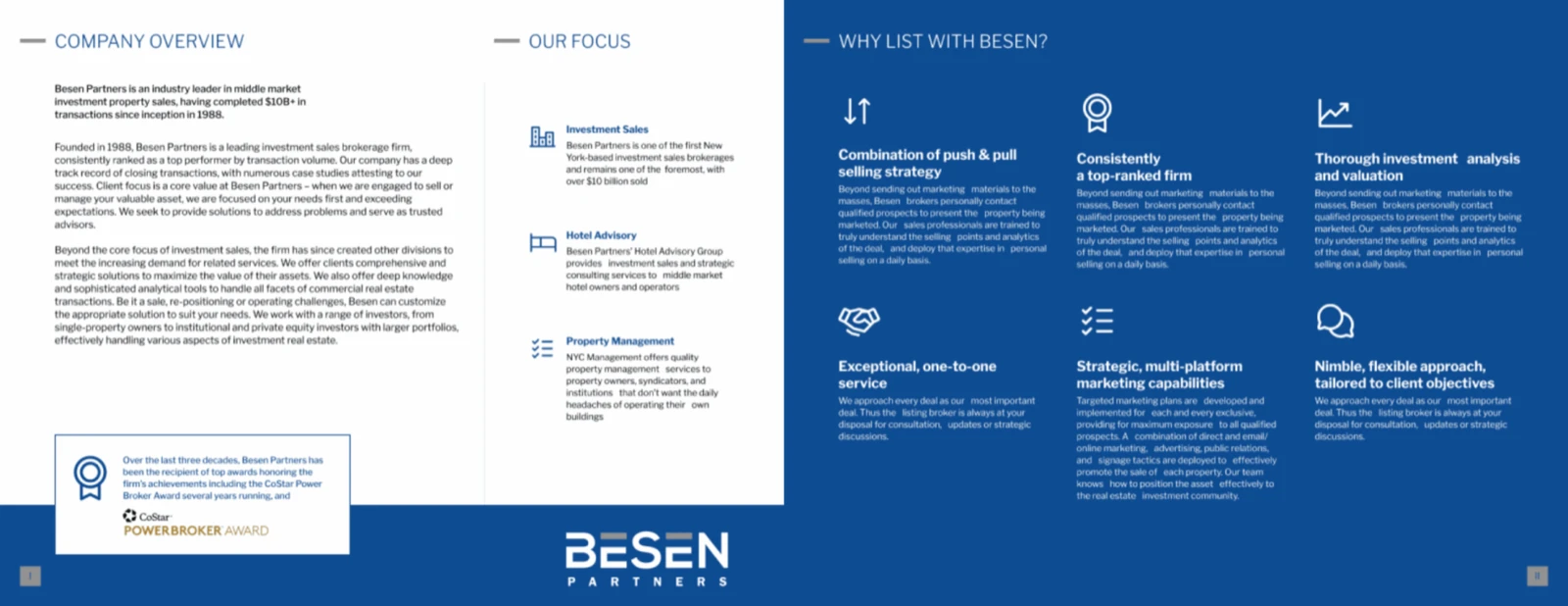
- A PowerPoint deck with the full OM structure, from cover and presented-by through financials, sale and rent comps, market overview, advisory bios and contact page.
- A short “what goes here” note on every page, so a new team member knows what to put where.
- A Keynote file, and a Google Slides version: import the PowerPoint file in one step.
- AI formats for Claude, ChatGPT and Gemini: a ready-to-paste prompt, a Markdown template, a Claude Skill and custom GPT instructions.
What’s in the template
The page names and order match the default offering memorandum in IntellCRE, so the deck you build here lines up with the one IntellCRE produces from your deal.
| Section | Pages |
|---|---|
| Intro | Cover Page, Presented By (with your confidentiality and disclaimer text), Table of Contents |
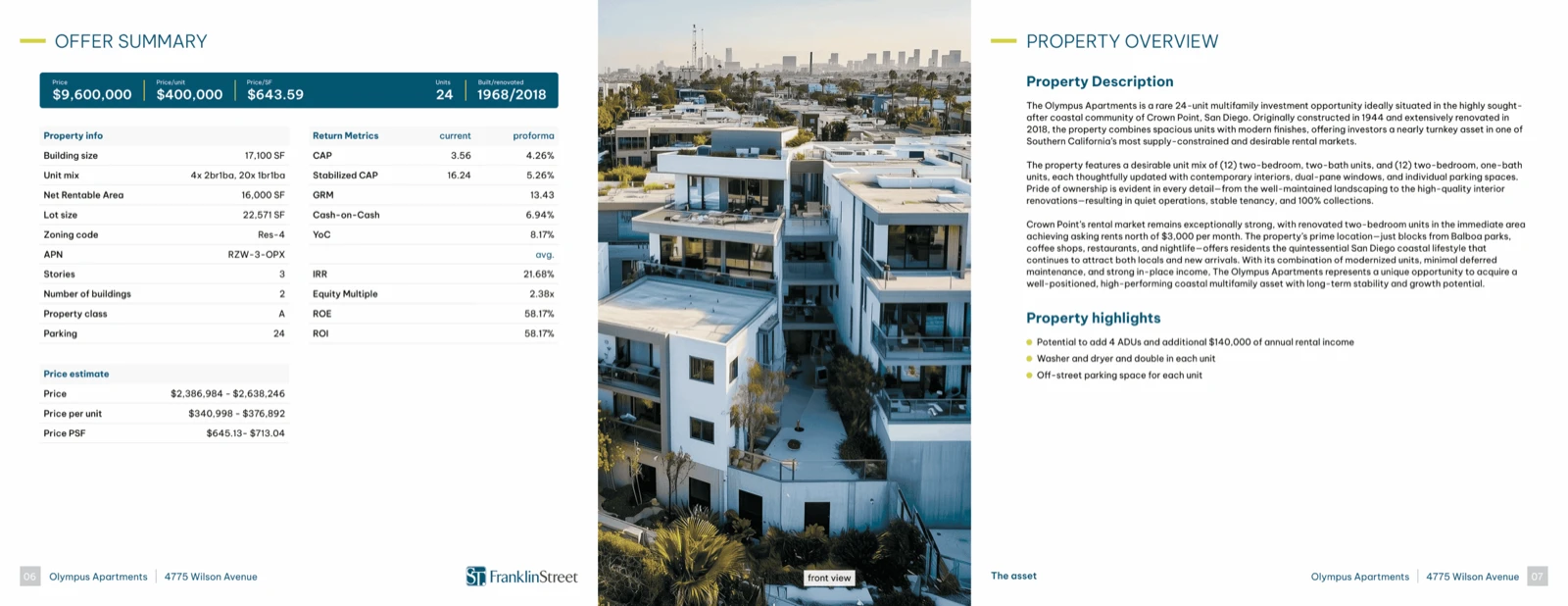
| The Asset | Executive Summary, Property Overview, Photos, Area, Points of Interest, Area Photos |
| Financials | Unit Mix Summary, Rent Roll, Income and Expenses, Income and Expense Chart, Operating Projections, Financing, Equity Waterfall, Value Scenarios, Sensitivity Analysis, Assumptions |
| Sale Comparables | Sale Comps Map, Summary, Chart, Detailed |
| Rent Comparables | Rent Comps Map, Summary, Detailed, Sort |
| Market Overview | City Overview, Demographics, Employers, Employment |
| Tenants, Bios, Contact | Tenants (optional), Advisory Bio, Contact Us |
Placeholders, not fake data
Everything you need to replace is written in [square brackets] and shown in amber, so a leftover placeholder is hard to miss. The template contains no real or invented property data. The confidentiality and disclaimer page is a placeholder for your counsel’s language, not legal text.
How to use it
- Download the PowerPoint file and read the “How to use this template” slide.
- Replace the amber placeholders with facts you can source. Label projections as projections.
- Re-brand it. Add your logo and recolor the navy and steel-blue shapes to your brokerage colors.
- Delete the pages you don’t need (tenants and the comps maps are optional) and the “what goes here” notes before you send.
Google Slides
Download the PowerPoint file. In Google Slides choose File, then Import slides, and upload it. Fonts are Georgia and Arial, which Slides has, so the layout carries over. For Keynote, download the Keynote file.
Use it with AI: Claude, ChatGPT, Gemini
Paste your deal facts and get a draft OM in this structure. The prompt below works in Claude, ChatGPT and Gemini. It tells the assistant to use only your facts, mark anything missing as [TBD], cite sources for market statistics and leave the legal language to your counsel.
Show the ready-to-paste prompt
You are a commercial real estate marketing analyst helping a broker draft a Offering Memorandum (OM).

Draft the OM in the structure below. Use ONLY the facts I give you. Where a fact is missing, write [TBD: what is needed] instead of guessing.

STRUCTURE
1. Intro
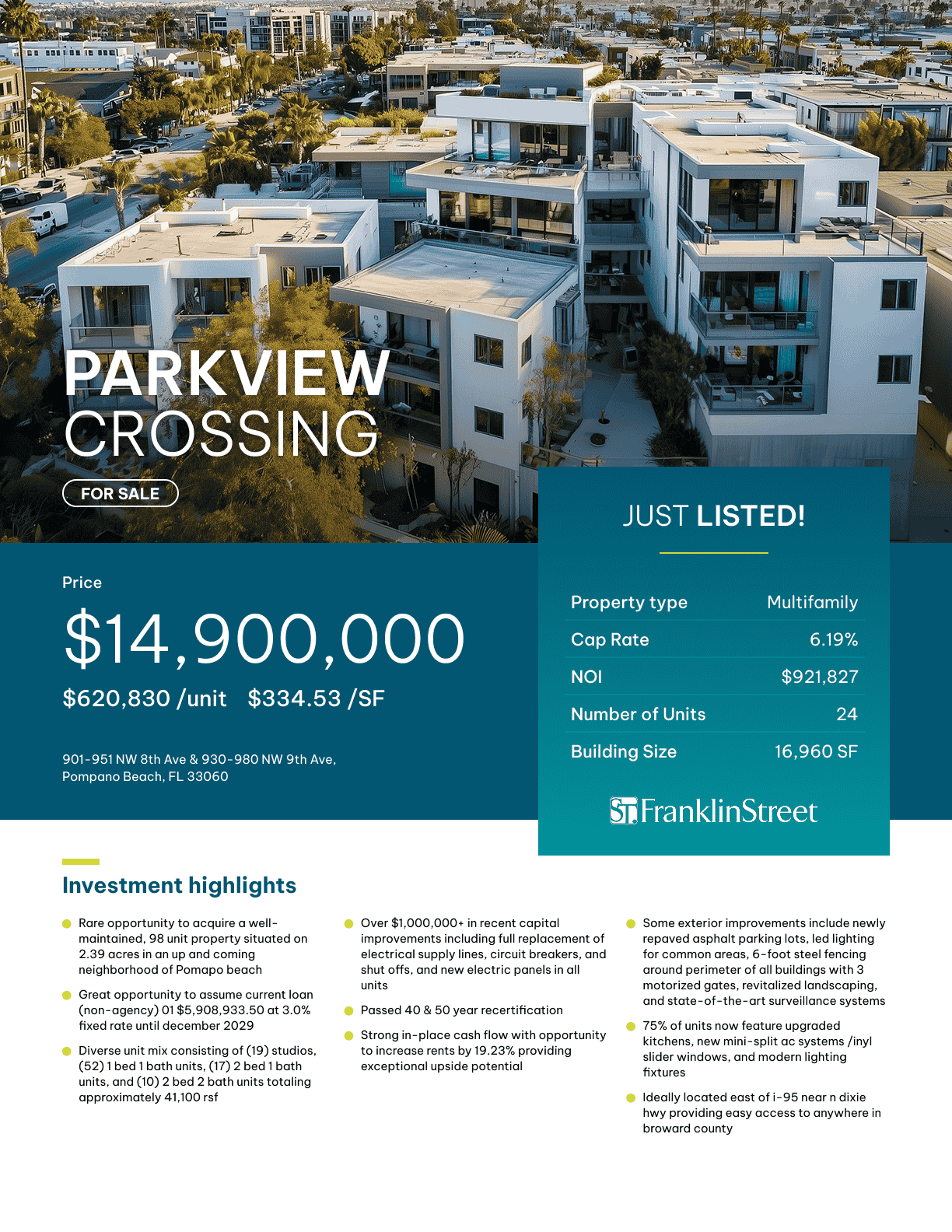
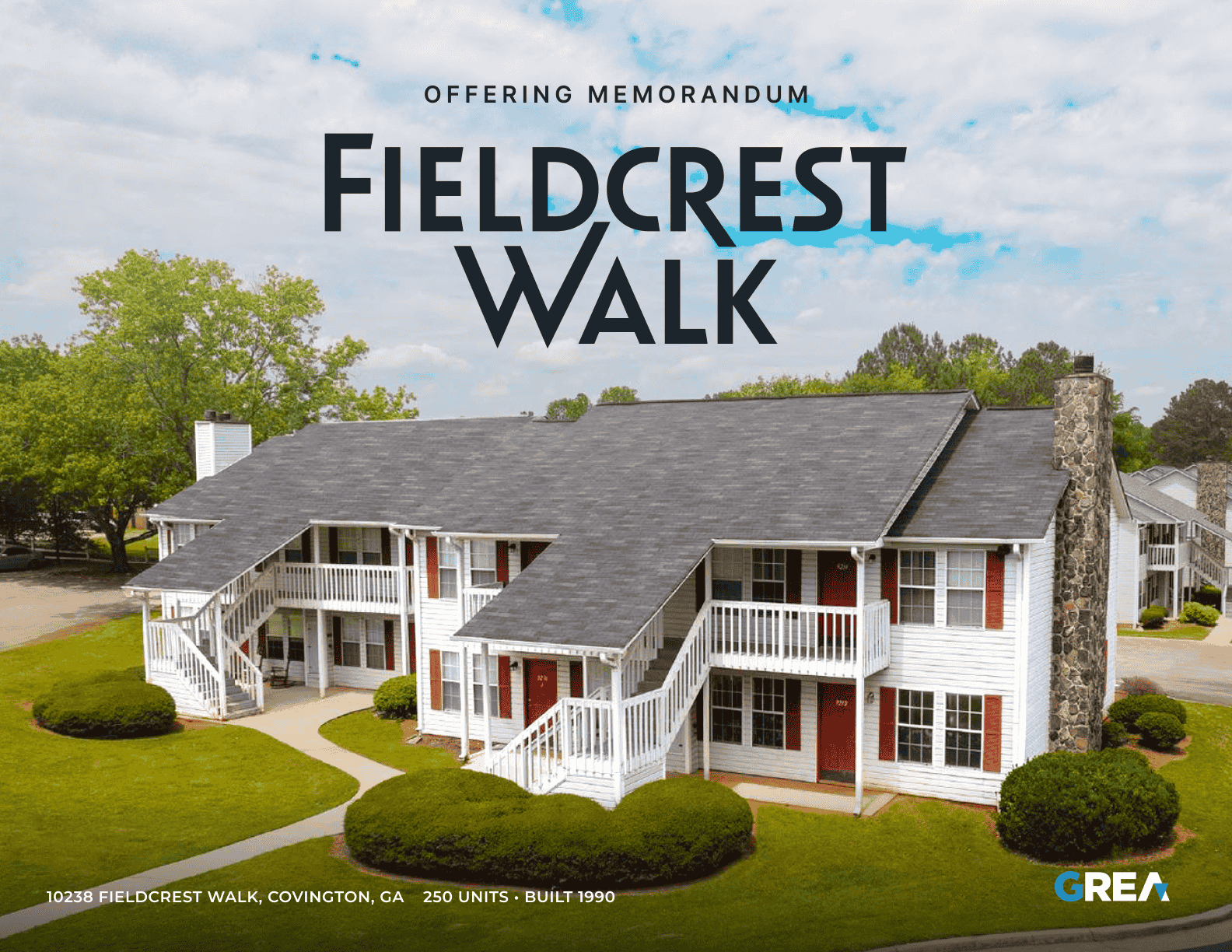
   - Cover Page: [Document title: Offering Memorandum]; [Highlight line]; [Property name]; [Address]; [Additional line]
   - Presented By: [Brokerage name, logo, contact details]; [Confidentiality and disclaimer: insert counsel-approved language]
   - Table of Contents: Generated from the pages below.
2. The Asset
   - Executive Summary: [Price estimate]; property data; return metrics: Current cap rate, Proforma cap rate, Stabilized cap rate, GRM, Cash on cash, YoC, IRR, Equity multiple, ROE, ROI. Include only metrics the facts support.
   - Property Overview: [Description of the property, site, building, amenities, recent improvements]
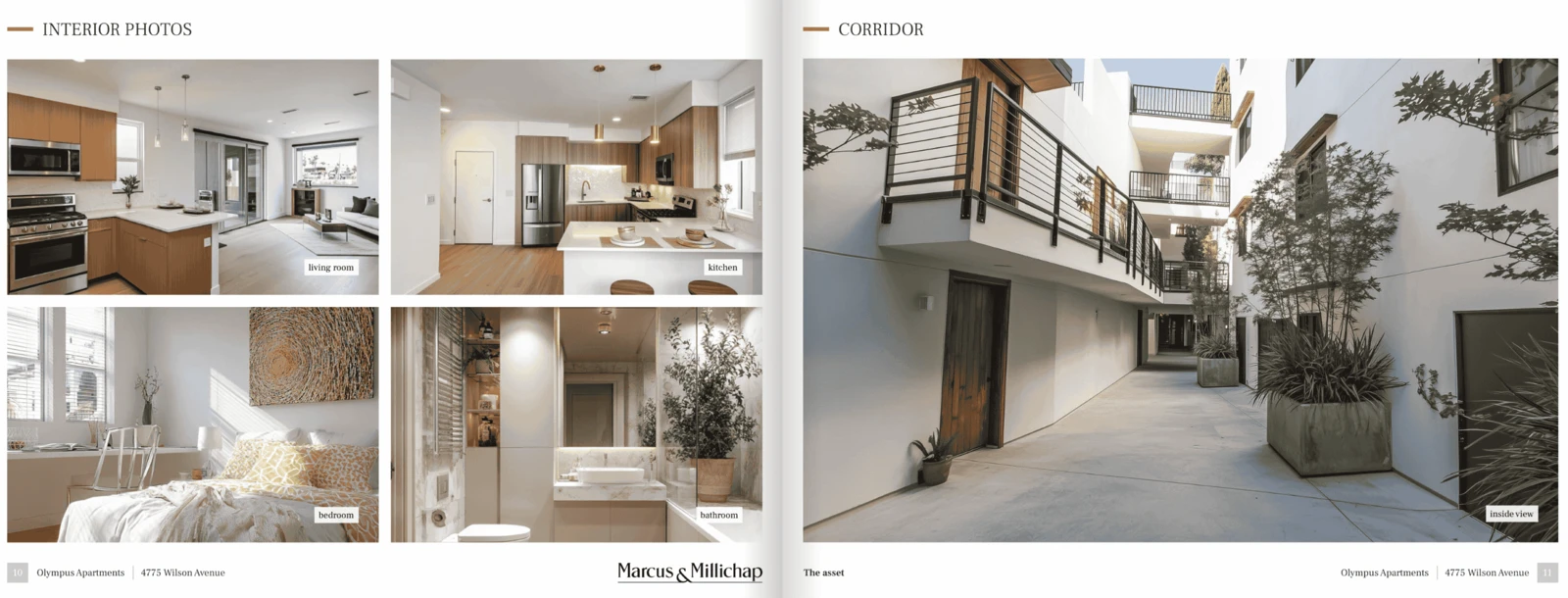
   - Photos: [Photo list with captions]
   - Area: [Description of the surrounding area and access]
   - Points of Interest: [Map and list of nearby points of interest with distances]
   - Area Photos: [Photo list with captions]
3. Financials
   - Unit Mix Summary: [Unit or space type, count, size, current and market rent]
   - Rent Roll: Columns: Unit #, # of units, Unit type, Dimensions, SF, Current rent (per SF, annually), Lease to, Year 1 rent (per SF, annually), Pre-reno rent, Proforma rent (per SF, annually), Note
   - Income and Expenses: [Current and proforma income and expense lines, NOI]
   - Income and Expense Chart: [Chart of income and expense categories]
   - Operating Projections: [Year-by-year projections, labeled as projections]
   - Financing: [Loan terms and DCR, if financing is shown]
   - Equity Waterfall: [Optional: only if a waterfall is part of the offering]
   - Value Scenarios: [Scenarios and resulting values and returns, with DCR]
   - Sensitivity Analysis: [Sensitivity table, for example cap rate vs. price]
   - Assumptions: [Hold term, exit cap rate, working capital, closing costs (acquisition and sale), acquisition fee, total cash to close, acquisition date, total acquisition costs]
4. Sale Comparables
   - Sale Comps Map: [Map of the selected sale comps with the subject]
   - Sale Comps Summary: Columns: Built/Renovated, Units, Sale price, Price per unit, Rentable area, Price per area, Avg area, Cap rate, Gross rent multiplier, Percentage difference, Averages row, Subject row
   - Sale Comps Chart: [Charts: price per unit, price per area, cap rate, gross rent multiplier]
   - Sale Comps Detailed: Per comp: Built/Renovated, Units, Rentable area, Price per area, Price per unit, Sale price, Sale date, Lot size, Cap rate, Gross rent multiplier, Unit type
5. Rent Comparables
   - Rent Comps Map: [Map of the selected rent comps with the subject]
   - Rent Comps Summary: [Rent comp summary table with the subject row]
   - Rent Comps Detailed: [Per comp detail]
   - Rent Comps Sort: [Comps sorted by rent]
6. Market Overview
   - City Overview: [City description with source]
   - Demographics: [Population, households, income; source and date]
   - Employers: [Largest employers; source]
   - Employment: [Employment by sector or trend; source and date]
7. Tenants Overview
   (Only when tenant profiles exist.)
   - Tenants: [Tenant profiles and rent schedules]
8. Advisory Bios
   - Advisory Bio: [Name, title, short bio, contact, license number for each advisor]
9. Outro
   - Contact Us: [Main line]; [Secondary line]; advisor headshots and contacts; [Message line]; [Office address]

RULES
- Follow the section and page order below exactly. Skip a page only if the user has no data for it, and say which pages you skipped.
- Use only facts the user supplied. Never invent property data, tenants, statistics, comps, testimonials or quotes.
- If a fact is missing, write [TBD: what is needed] in its place.
- Every market statistic needs its source and date as given by the user; if none was given, mark it [TBD: source and date].
- Show arithmetic for any figure you derive (NOI, price per unit, cap rate) and flag it as calculated.
- Write in plain, factual US English. Avoid unsupported superlatives such as best, unmatched or irreplaceable.
- For residential property, avoid language that describes or prefers a type of tenant or neighborhood demographic.
- On Presented By, leave the confidentiality and disclaimer text as [Insert the brokerage's counsel-approved language]. Do not write legal text.
- Keep the broker's brand out of the structure; the broker adds logo and colors.

BEFORE YOU DRAFT
If essential facts are missing, ask me up to 8 short questions first, then draft once I answer.
If I say "just draft it", draft now and list every [TBD] at the end.

OUTPUT
Return the OM as clean Markdown, one heading per section above, followed by a checklist of every [TBD] item and every number I should double-check against source documents.

MY DEAL FACTS
[Paste property details, financials, rent roll, comps, market notes and anything else here.]
Other AI formats
- Markdown template. The same structure as plain text, for any assistant or your own notes.
- Claude Skill. A folder with a SKILL.md file, zipped. Upload it in Claude’s skills settings and ask Claude to draft an OM.
- Custom GPT, Project or Gem instructions. Paste them into a ChatGPT custom GPT or Project, a Gemini Gem, or a Claude Project.
Fill it from a real deal
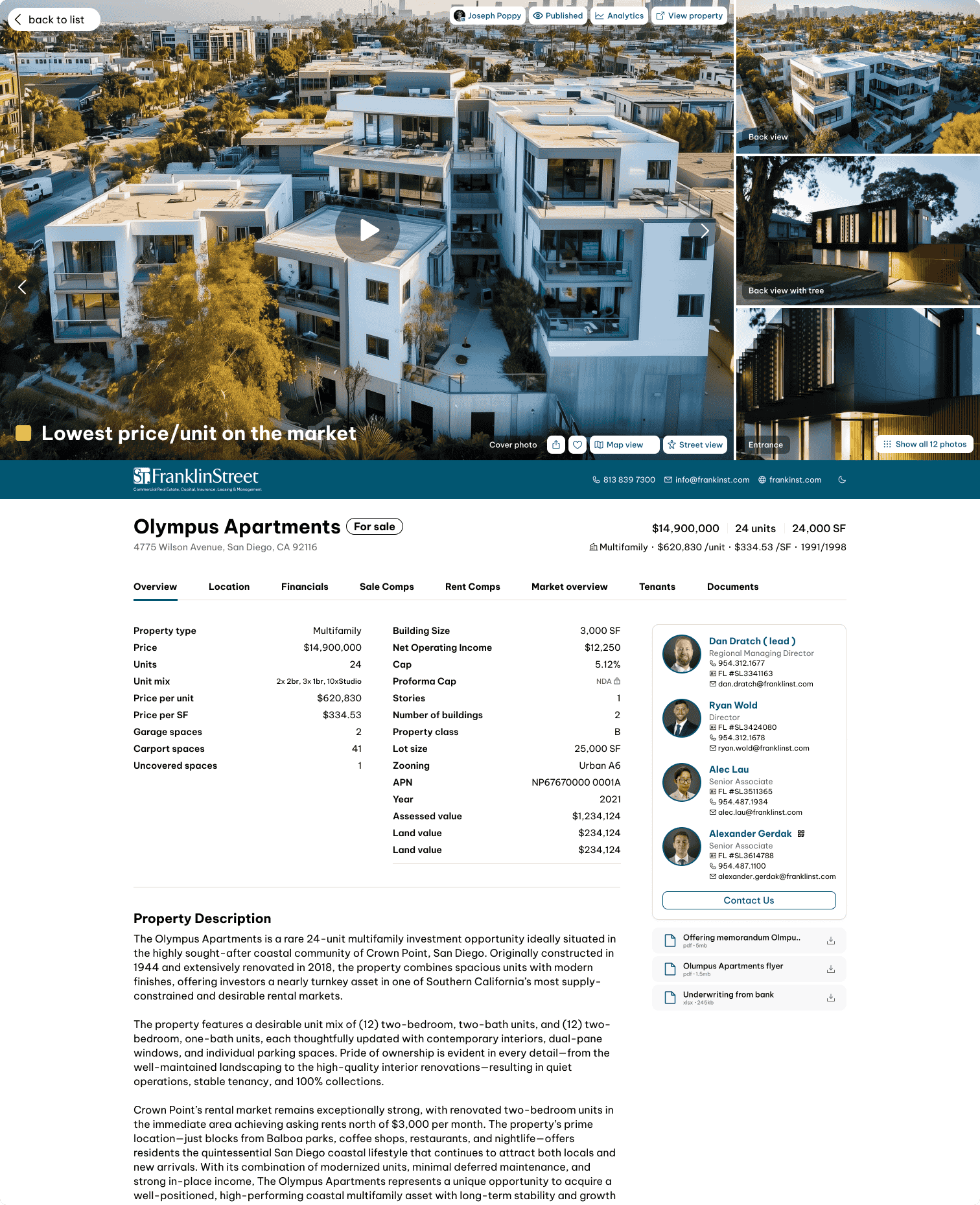
Retyping a rent roll and comps into slides is the slow part. With the IntellCRE MCP connector, your assistant can pull the property, its unit mix and rents, and its selected comps from IntellCRE before it drafts:
Or skip the template and let IntellCRE build the OM from your deal documents. Try IntellCRE, free to start.
Offering Memorandum templates by property type
Each version has the pages and metrics that fit the property type.
- Multifamily Offering Memorandum template
- Office Offering Memorandum template
- Medical Office Offering Memorandum template
- Industrial Offering Memorandum template
- Retail Offering Memorandum template
- Land Offering Memorandum template
- Hospitality Offering Memorandum template
- Net Lease Offering Memorandum template
- Self-Storage Offering Memorandum template
- Mixed-Use Offering Memorandum template
- Mobile Home Parks Offering Memorandum template
- Alternative & Specialty Offering Memorandum template
Download Offering Memorandum (OM) Template
Free. No form, no email required.
Download the PowerPoint template (.pptx) Download for Keynote (.key)
AI formats: Claude, ChatGPT, Gemini
Claude Skill (.zip) Prompt for Claude, ChatGPT, Gemini (.md) Markdown template (.md) Custom GPT / Project instructions (.md)
Frequently asked questions
Do I have to give my email to download it?
No. The downloads on this page are free and there is no form.
Is the confidentiality page legal language?
No. It is a placeholder. Your brokerage’s counsel should supply the confidentiality notice and disclaimer.
Can I use it for any property type?
Yes. Pages such as the rent roll and unit mix are laid out for multifamily and mixed-use, and are easy to adapt to office, retail or industrial by changing the column headings.
Does it match what IntellCRE generates?
The section and page order, and the names of the tables and metrics, follow the default offering memorandum in IntellCRE. The visual design here is deliberately plain so you can re-brand it.
Version notes
| Version | Date | Changes |
|---|---|---|
| 1.0 | October 2026 | Initial release. PowerPoint and Google Slides deck, Markdown template, prompt, Claude Skill and custom GPT instructions. |