
Customizable Maps & Points of Interest Now Available
Introduction
Hey everybody, another quick update. We know how important maps are, especially retailer maps, maps that show nearby amenities or points of interest. We’ve just launched the ability to customize these maps.
Accessing the Map
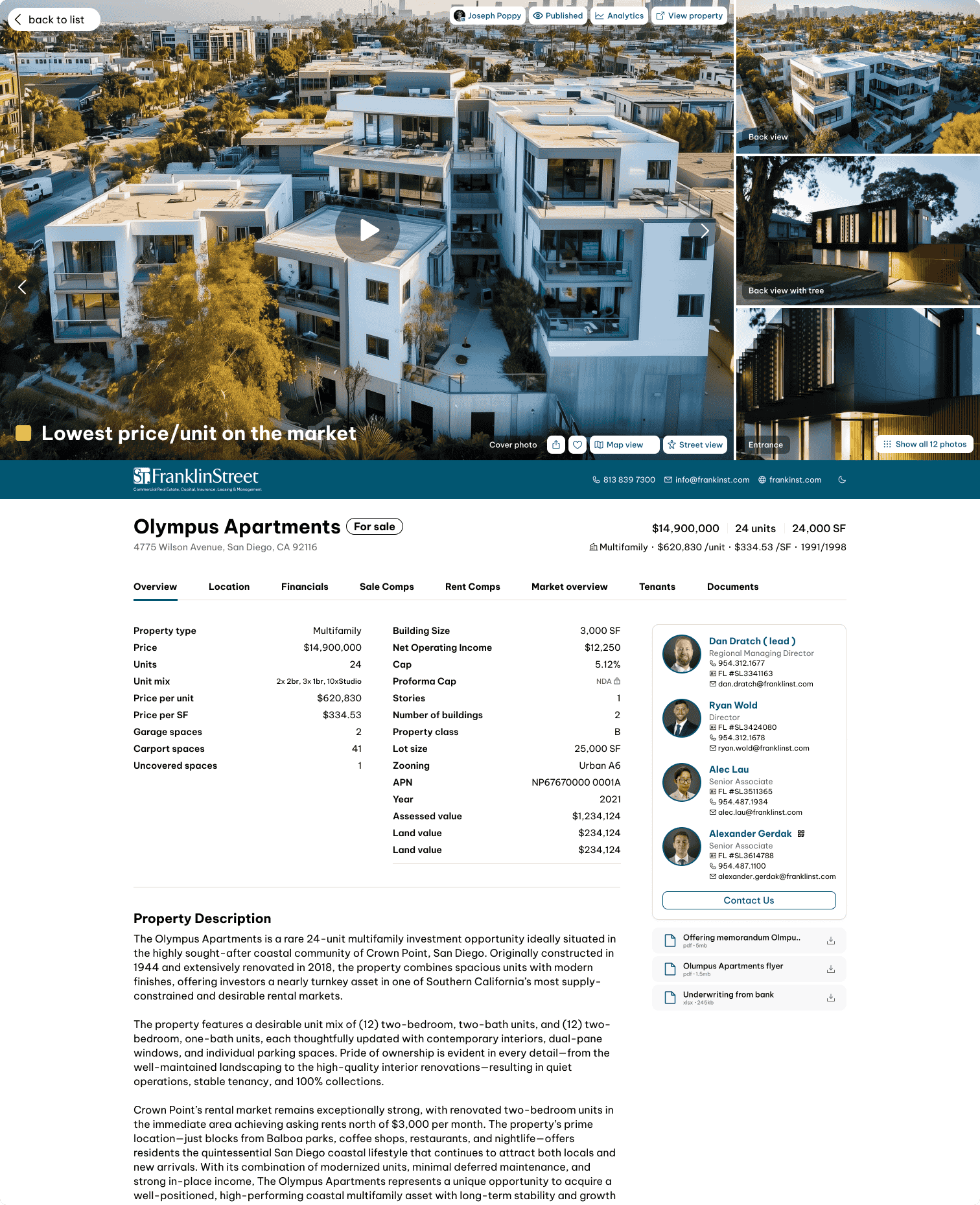
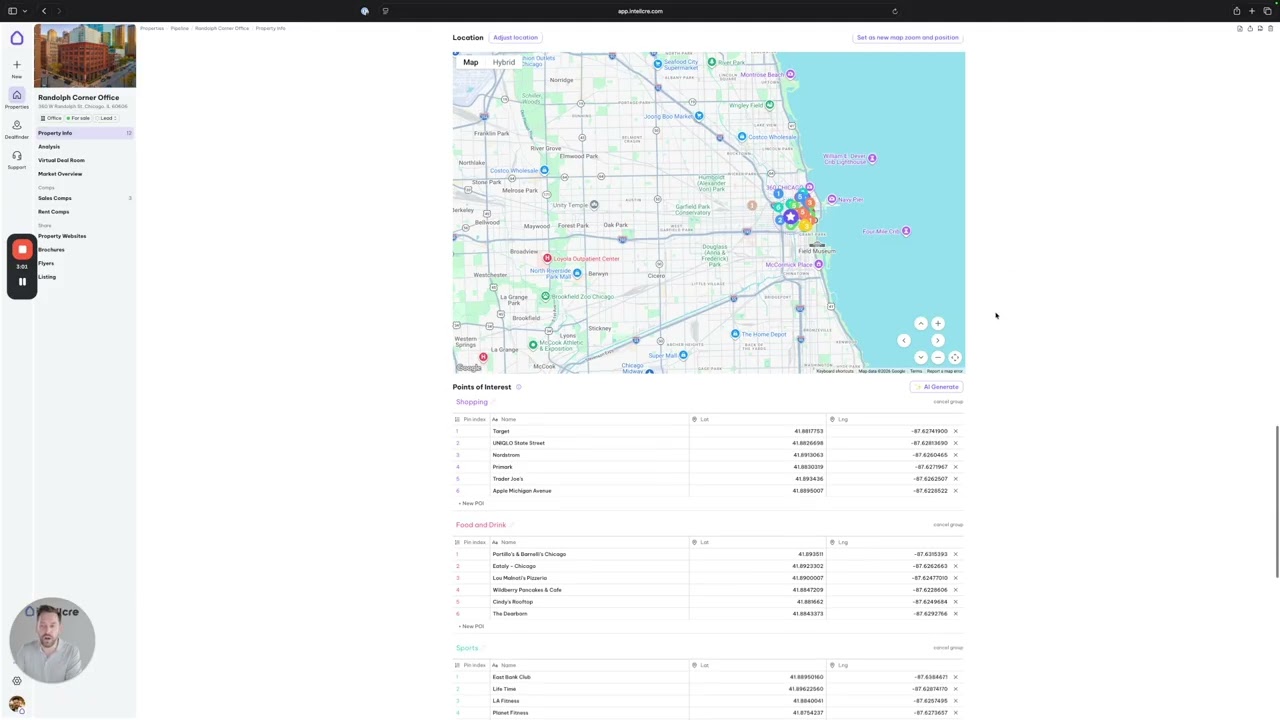
Let’s take a closer look. Directly in the property info, you can find the location of the property and the AI-generated map that shows nearby amenities or nearby points of interest.
Customizing Zoom & Position
Now you can fully customize the zoom and the position of the map.
If you go to the controls for the map and start zooming out or recentering the map to capture a larger area, you can click “save as new map zoom and position.”
This becomes the zoom and position that the map will appear in the points of interest page in your brochure. You now fully control this aspect of the map.
Customizing Points of Interest
Another thing we added is the ability to customize the points of interest.
If you’re working on a multifamily property, you may want to show nearby amenities like gyms and health clubs. If you’re working on a different commercial product like self storage, land, or industrial, you might need different categories.
You can now customize the categories as well as the points of interest within those categories.
Adding & Managing POIs
You can add new points of interest, delete ones you don’t want, remove entire groups, or create new POI categories.
For example, you can create a category called gas stations and add a new point of interest into that category.
You can name your POI, enter the address, or click place to automatically add the pin. You can also manually place the pin anywhere on the map.
Applying Changes to Brochure
Once you’re happy with the map, choose the right zoom and set it as the new map.
Then generate your brochure, and this will be the map that appears, whether it’s a retailer map or a nearby amenities map.
Tips: Copy & Paste Data
You can copy and paste data into these tables. If you have a list of points of interest, you can quickly paste them into the system.
Upcoming Features
The next thing we’re adding is the ability to customize the prompt for generating these maps.
You’ll be able to create prompts specific to property types like self storage or tailor them to the narrative you want to convey in your brochure.
That prompt will automatically generate the data for your map.
We’re also adding logos so you can include brand logos for these locations, along with other improvements.
Closing
Let us know if you have any feedback and we can implement it right away. Thank you very much and see you in the next feature update.