



Section Intro Page Controls & Page Builder Grid Improvements
Hey everyone, Anton here. Super excited to present the next batch of improvements and features that we launched recently.
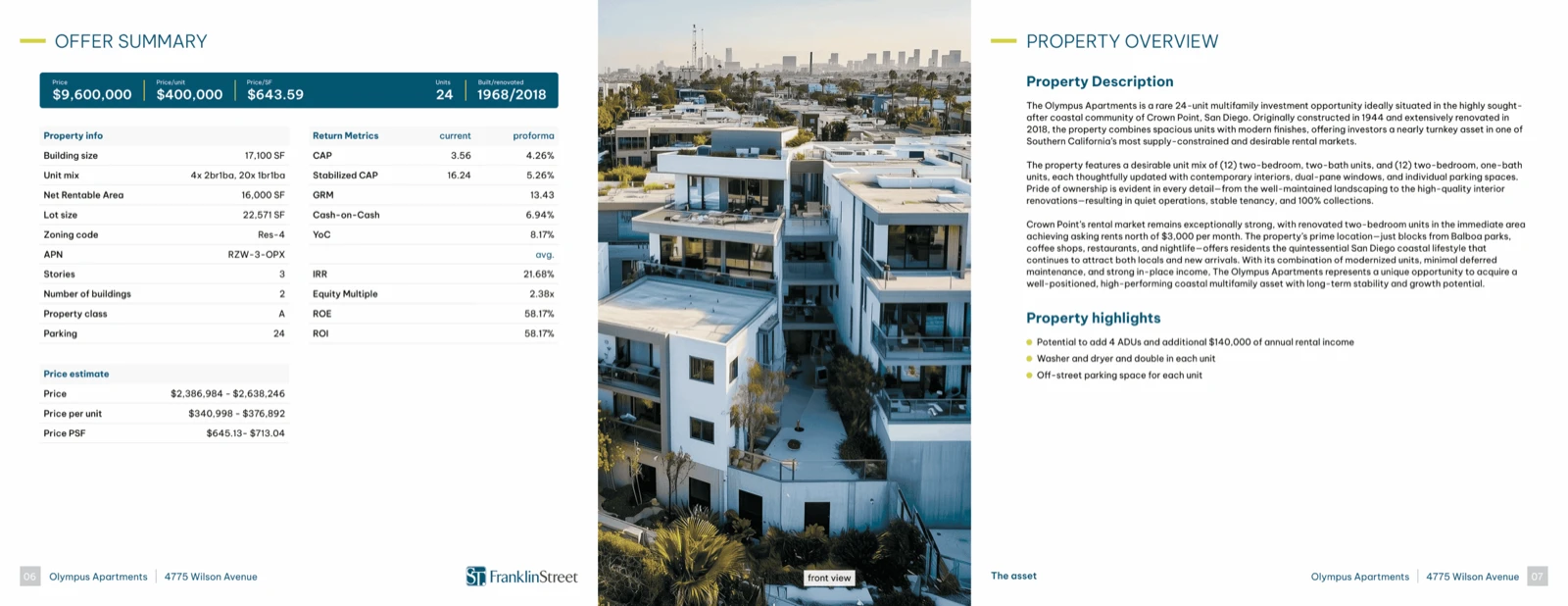
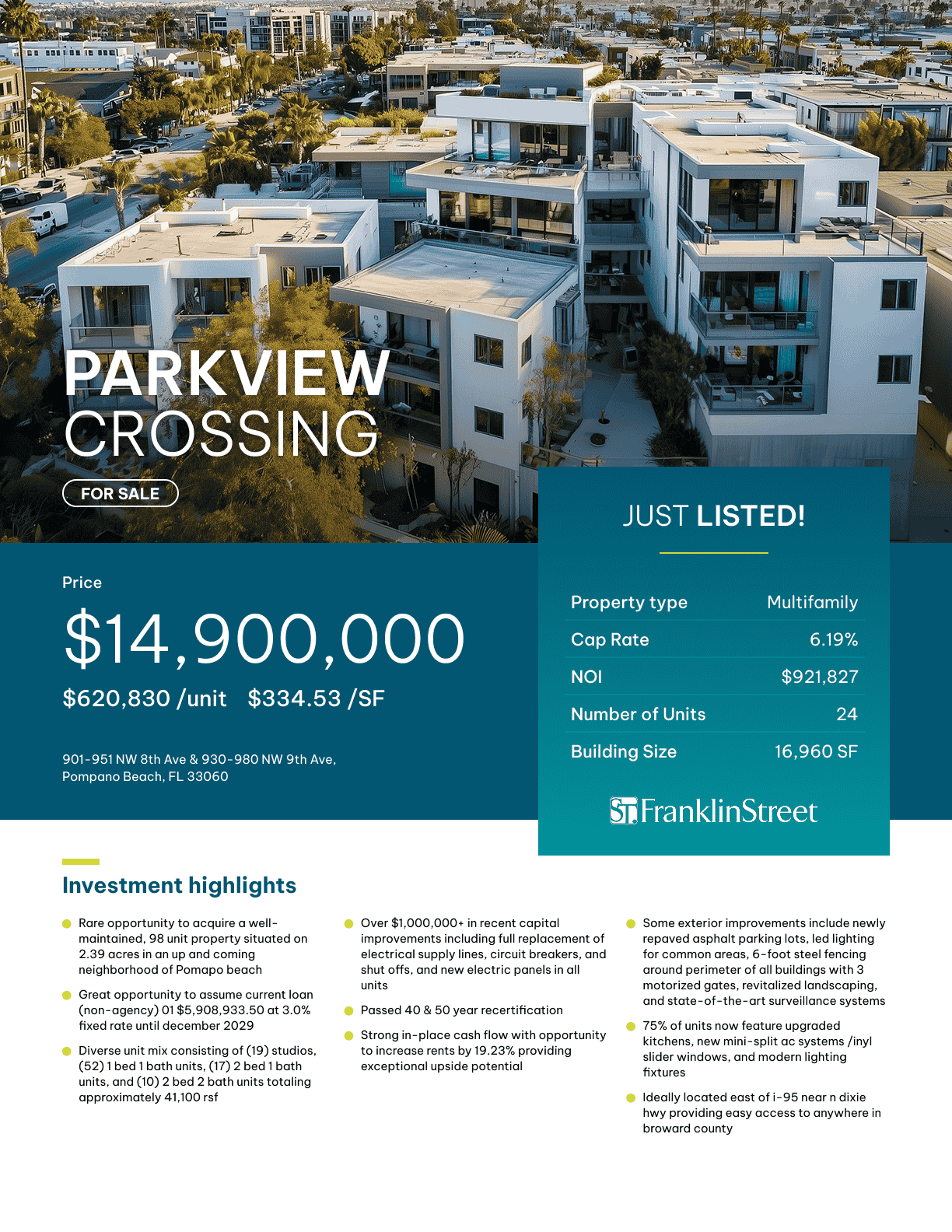
So you may noticed, you may notice in the brochure builder that the outline has changed slightly. Now you can turn on and off section intros for individual sections.
You can control whether a particular page—let’s say the offering summary—whether it gets included in the index here from the options for that page. You include title and section intro—you can disable that or enable that.
We’ve launched options for these section intro page blocks that are here on the right side.
You’ll find this directly in your brochure builder here:
Section Intro Pages
So you can disable the whole block, or you can disable the section title.
You can disable the section number or index.
You can have a primary text, which is usually the property address or property name.
You have a secondary text right here.
And you also have a tertiary text that you can use.
You can also enable or disable the company logo here on the section intro overlay on the right side.
Adding Pages & Sections
You will find that this has changed also.
So you can now add pages similarly as you can add or create new templates.
You can add pages directly from here.
You can add sections directly from here.
You can add PDF uploaded sections.
So if you’re uploading some PDF slides directly from here in the brochure builder—
sorry, in the page builder—
you will notice some changes as well.
Page Builder Grid Improvements
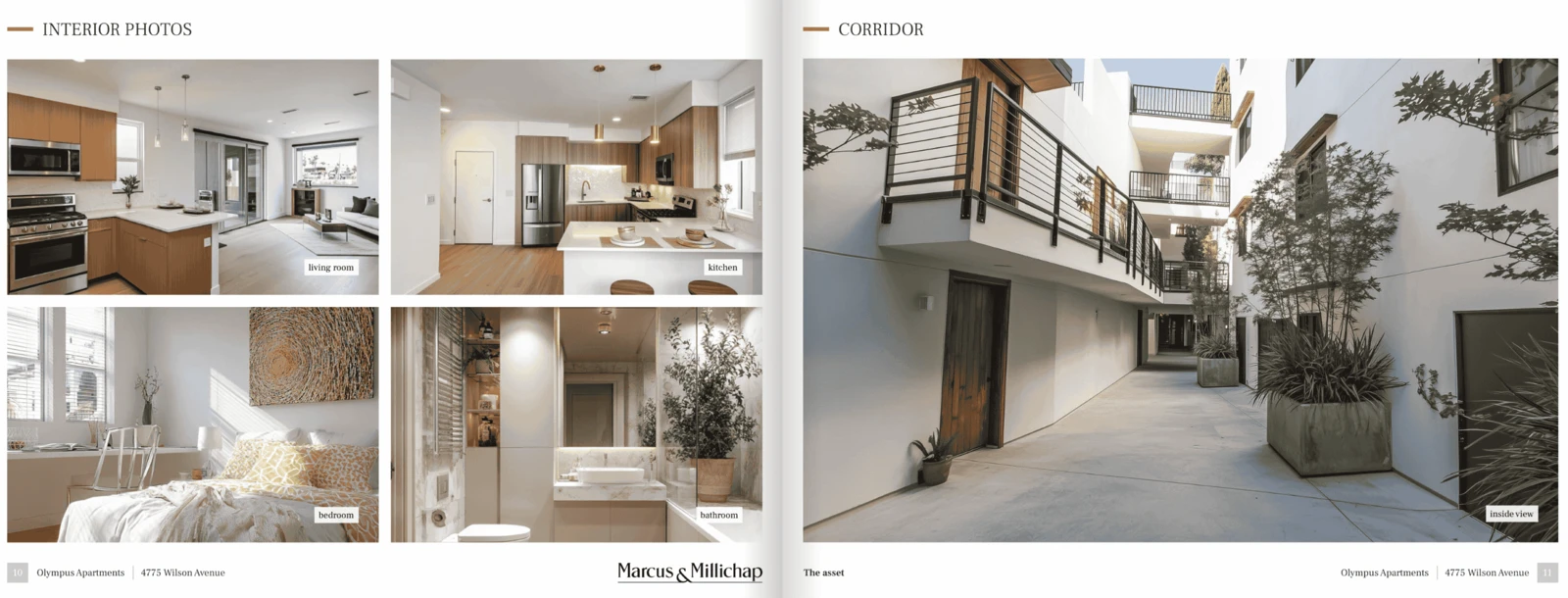
We’ve increased the grid.
So now instead of 12×12, we have a 24×24 grid.
And on top of this, you can control the gap in the grid.
Meaning that if we now place a photo here, or a text block, or table, we have better granularity on the resizing.
And if we place another photo here—just for the sake of the example—
let me just take a photo here and let me upload this photo to show you.
So we have photo number one.
We have photo number two.
And we have the grid gap at 12 pixels.
So the photos are not directly next to each other.
If we decrease the gap to zero, these photos are basically going to be touching each other.
So more improvements for the grid, for the page builder, and more improvements for the brochure outline, and more control over your section intro pages.
What’s Next
So excited.
Please stay tuned because we’re going to have some major, major releases in the next days.
We’re going to have a separate announcement for those features.