


New Builder Updates
Hey everybody, Anton here, following up with more updates as I promised.
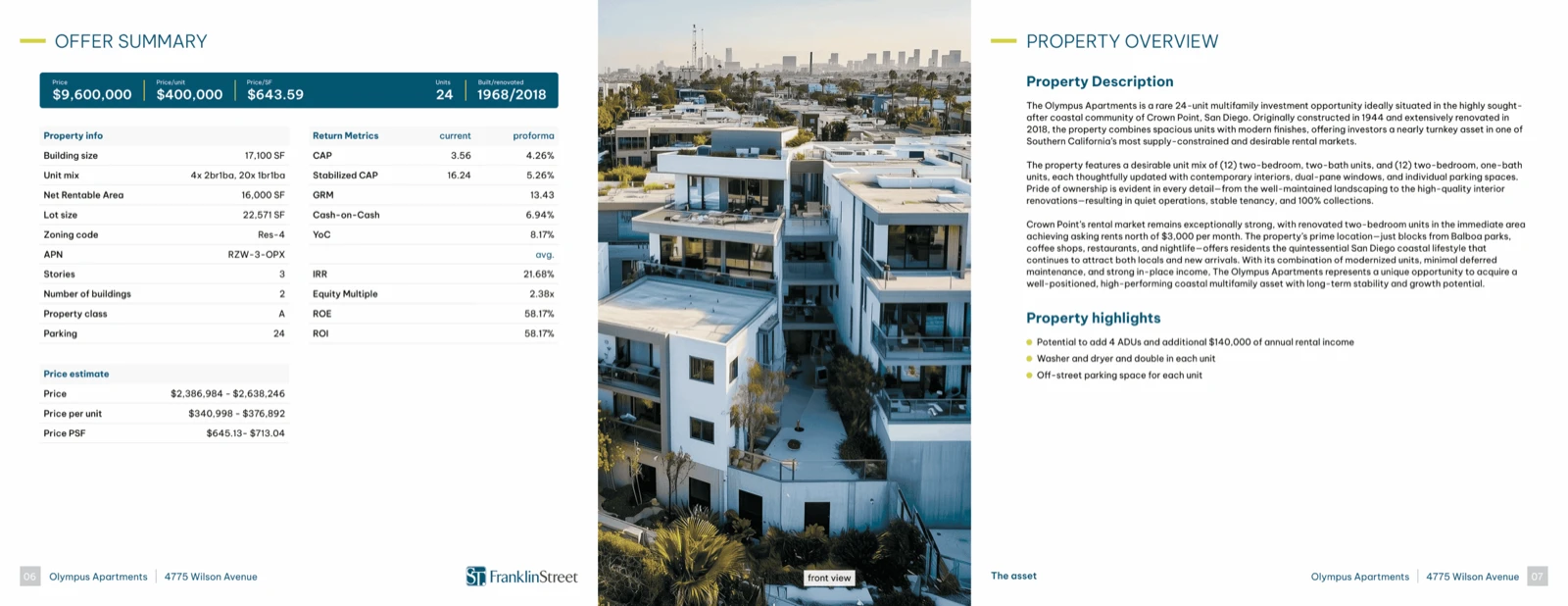
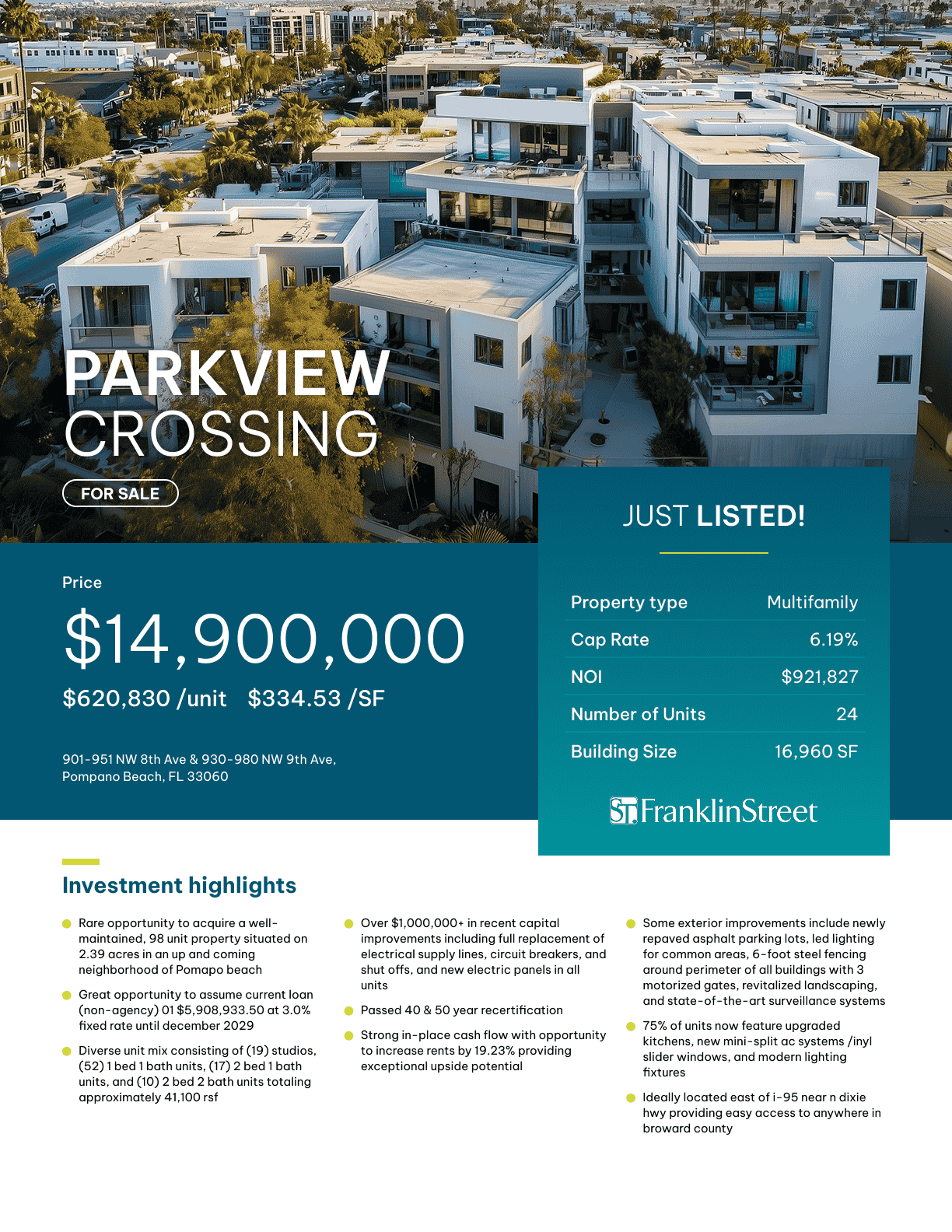
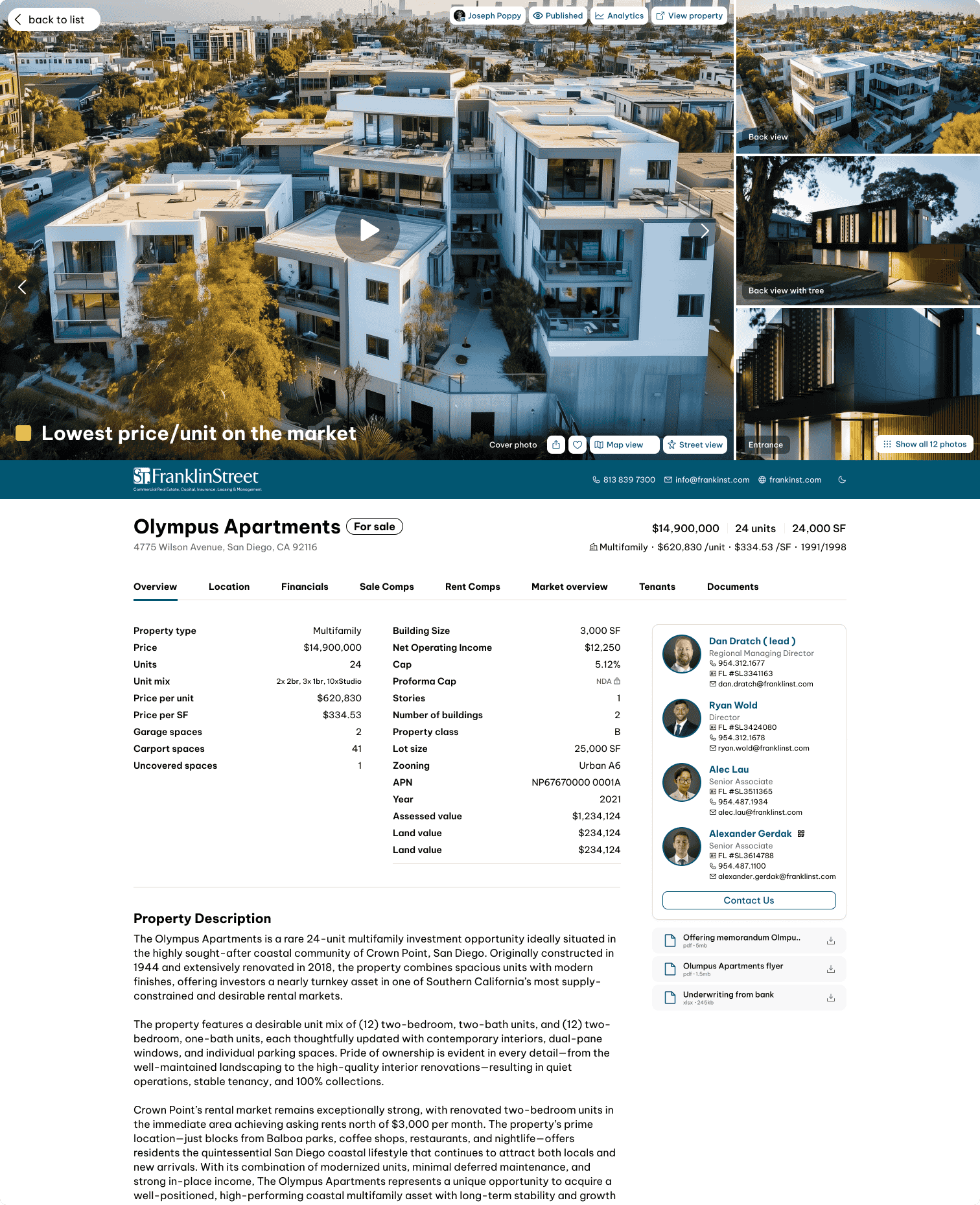
We’ve added some very important functionality into the new Brochure Builder.
More Options When Adding a Page
First, what I want to talk about is more options when you’re adding a page.
Now, when you click Add a Page, not only can you build a page from scratch using the Blank Page, but you can also use Import Sheet.
Now, what does this mean?
It means that when you click this, all the Excel files that you have in the data room for this deal are going to be available here.
You can pick which file and which sheet from that file you want to turn into a page.
Alternatively, you can also upload a file in this step, then pick whichever sheet you want to use and create a page from it.
So, Import Sheet is now available.
Saved Pages and Templates
The other new feature is Saved Pages, basically templates.
As I’m going to show you in this video, you can create a template, or basically save a page, and then have that page stored in your Saved Pages.
We’ve introduced a folder structure.
Now the template pages, or saved pages, in the new Builder can be categorized into folders.
Perhaps this could be per document folder, or it could be per team, per person, or whoever created that template folder.
Later, we’re also going to introduce access permission levels for these folders.
The important part is that you can now choose which folder and which page you want to use, then simply add that page into your brochure.
You can also click Manage Saved Pages.
This is located in the Settings section.
There, you’ll be able to see all the folders and all the pages that you’ve saved.
You’ll also be able to:
- Create new saved pages
- Manage existing saved pages
- Organize your folders
Let me go back to the Builder.
New Modules
There are new modules that we’ve introduced as well.
When you click Add Module, you’ll see that we’ve introduced Lines.
You can use the Accent Line module.
I’m going to put a line here.
You can control:
- Whether it’s horizontal or vertical
- The color
- The style
- The stroke
- The background
- The border
- The layout
- Width
- Height
- X and Y position
As you can see, I’m using the new Line module here to create this nice accent.
Icon Module
We’ve also added Icons.
When adding an Icon module, you’re able to place an icon anywhere.
Here are the icons.
You can search through them.
Maybe I search for House.
I can add a House icon.
You can control:
- Icon color
- Whether it’s thin or bold
- Icon size
- Background
- Border
- Layout
- Horizontal padding
- Vertical padding
- Width
- Height
Let me actually make this five and five.
Now I have my House icon.
I actually want to use the House instead of this one.
So, I’ll delete that and use the House icon here.
New Builder Improvements
So, more modules…
The ability for you to save pages…
Management of saved pages, including folders…
Future access permission functionality for those folders…
All of that has now been launched.
You also have the ability to edit a page by importing a sheet directly from the Builder.
We’re continuing to migrate more of the legacy property pages into the new Builder.
You’ll see that some of those pages have already been migrated into the new Builder.
What’s Coming Next
We’re going to be releasing more videos to show you what’s possible in the new Builder.
We’re also going to be releasing Quick Layouts, or Quick Templates, that you can use.
When adding a page, you’ll have a Quick Layout option where you can choose whether your content contains:
- Text
- Tables
- Pictures
- Different combinations of content
If you’re thinking, “How can I put this into a layout that will look good?”
We’re going to have the best-looking layouts pre-prepared for you in the system.
That will make it much simpler and much faster to create very good-looking pages for your brochures.
Closing
We’re going to be following up with more updates.
In the meantime, we invite you to explore the new Builder.
You’ll see that there are simply too many options to explore in a single session.
The most important features that we’re building and releasing for you, we’re going to keep you up to date and up to speed with all of them.
So, do let us know if you have any feedback.
See you in the next video.