Template Pages Now Available in Page Builder
Introduction
Hey everyone, Anton here. Finally, template pages are here.
Turning Pages into Templates
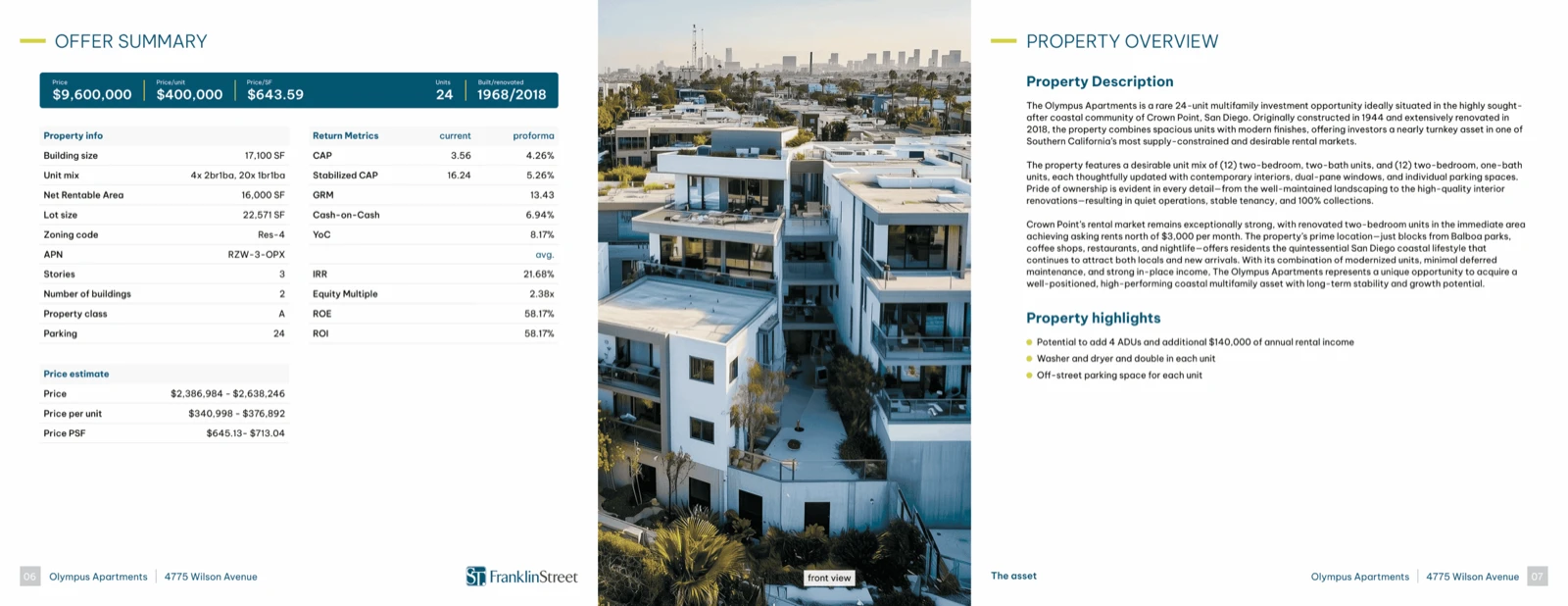
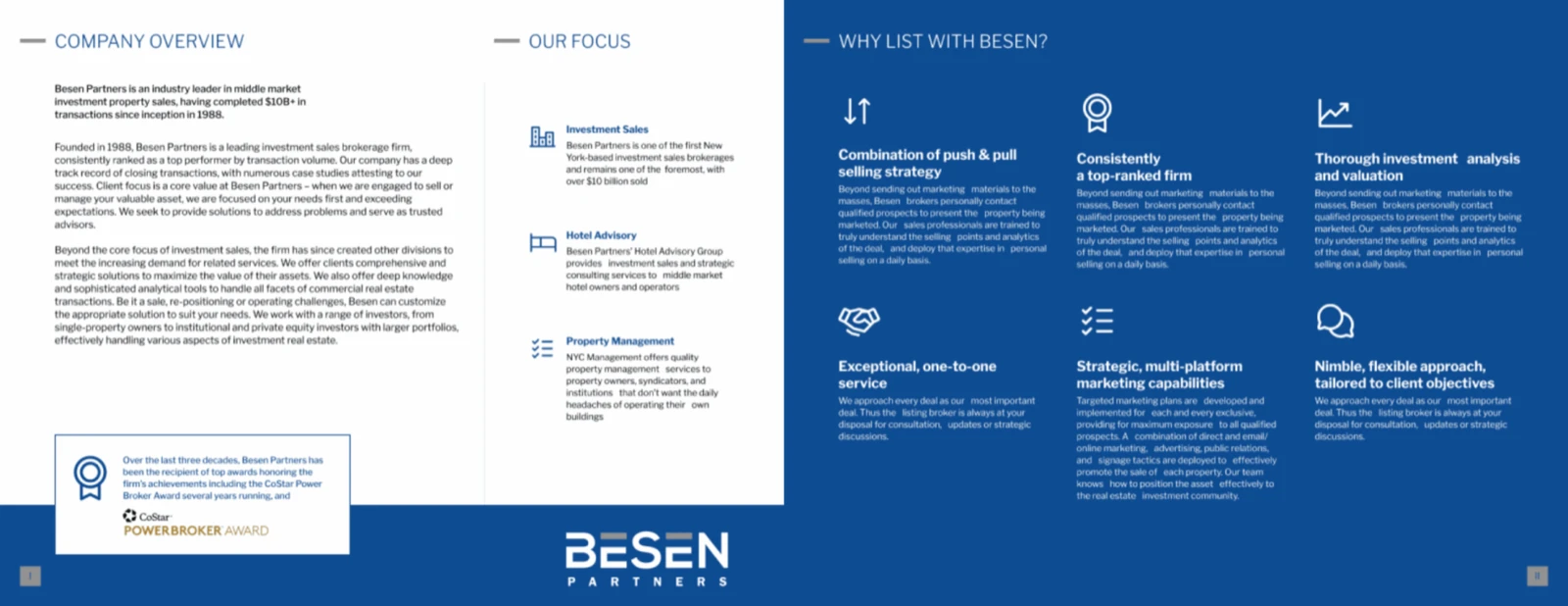
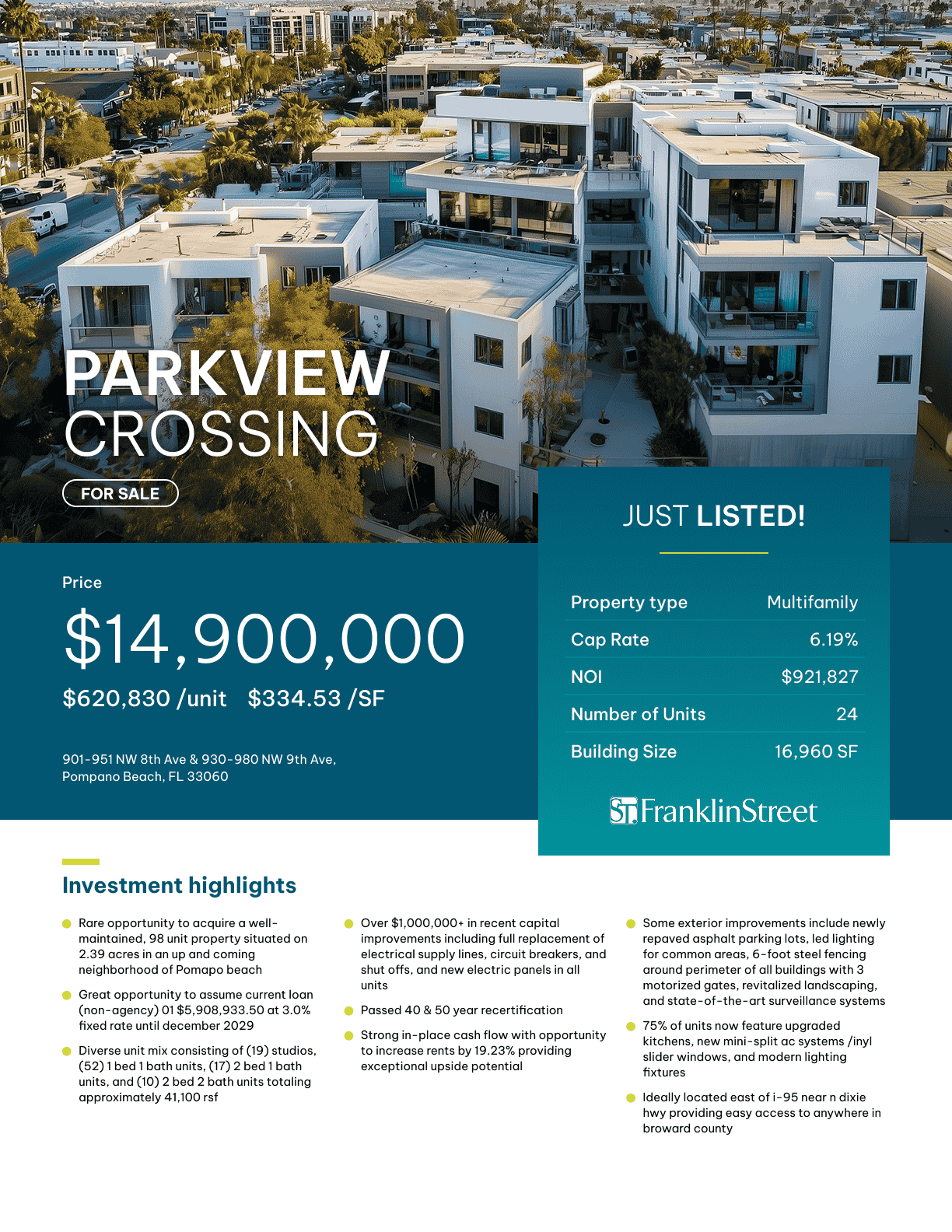
As we promised, now you can turn any page that you built using the page builder into a template page. Save it into your templates, and these templates are going to be visible across all your properties. You’ll be able to reuse that template page for any of your future deals.
How It Works
Let’s quickly take a look at how this works.
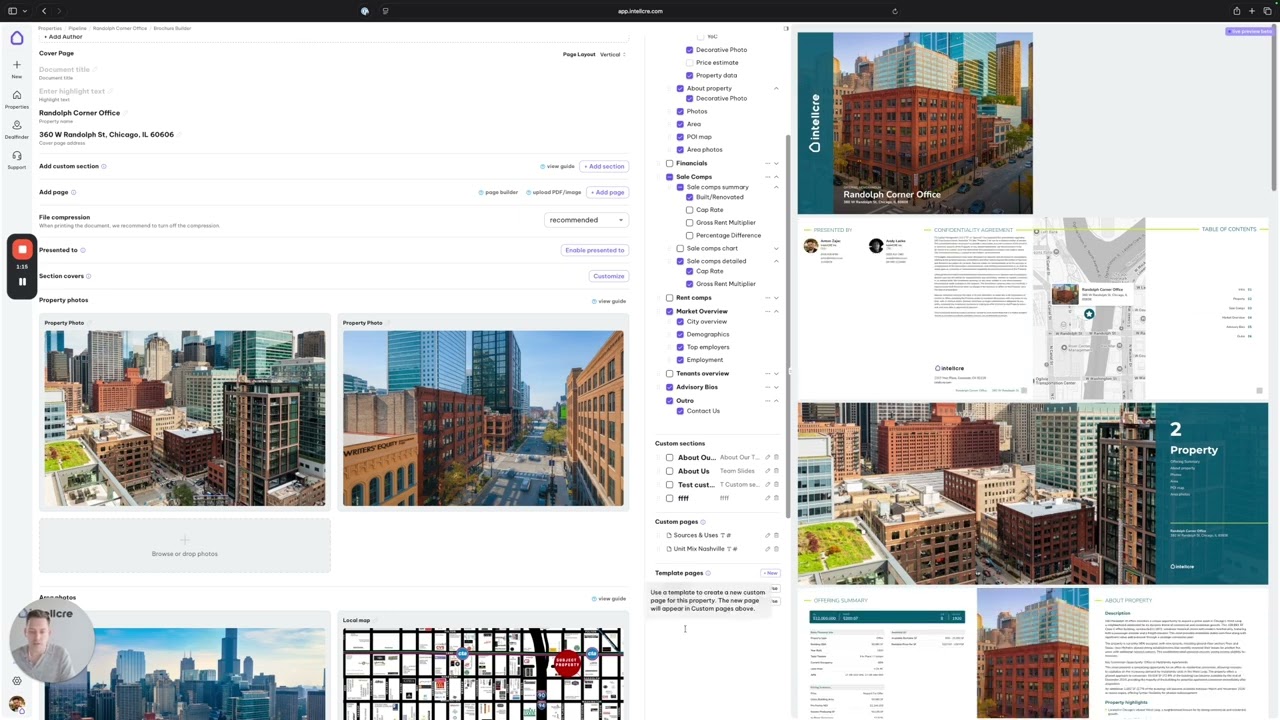
As you can see, I’m in page builder, and I’ve configured this page with sources and uses and some panoramic photo. If I want to turn this into a template, I’m going to click create template from this page button.
We need to name our template so that we can refer to it in the future. Sources and uses template. Create template.
Template Location in Brochure
Now we can exit, and you will see in the brochure outline we added a category at the very bottom that says template pages. You can see that this template, sources and uses template, has been added to the template page.
Using a Template Page
Whenever you want to use a template page in a brochure for your particular deal, you simply click use.
This template is going to create a custom page that is visible in the category of custom pages in the brochure outline.
Editing Template vs Custom Page
You can edit the page, and now when you’re editing the page, that is only editing the custom page for this property where you want to use it. It’s not editing the template.
Of course, we can also edit the template by clicking on the pencil here, and we can manage our templates from here.
Creating & Managing Templates
We can also create a new template using the plus new button in templates directly.
We’re also going to have template management in the settings. That’s something that we’re going to launch soon.
Placing Template Pages in Documents
Now this custom page, let’s say I edited the page template with the data for this property, then I’ll simply take that custom page and place it anywhere in the document.
For instance, in the market overview. Then in the market overview, the system is going to include the template sources and uses page.
Key Advantage: Unlimited Custom Pages
Those are template pages. Legacy providers and other providers usually have one or up to three custom pages that they can work with you on.
This gives you the ability to have infinite custom pages.
Future Feature: Custom Sections
Later we’ll launch custom sections where you’re going to be able to build a custom section using custom page templates.
This gives you something like a template section and gives you the flexibility to reuse the layouts and the structure of the pages that you’ve built across all your future deals.
Closing
We’re excited for this feature.