


New IntellCRE Feature: Deal Vault – Secure Online Deal Document Room
Introduction
Hey everybody, Anton here.
Today I’m very excited to announce the launch of Deal Vault.
One thing we’ve consistently heard from brokers is that while generating your property marketing materials is important, the real work begins once buyers or prospects start engaging with the deal.
Documents end up spread across emails, NDA tools, Google Drive or Dropbox, and there are many manual approval workflows.
Managing document access becomes manual, time-consuming, and often results in missed opportunities and limited visibility into buyer engagement.
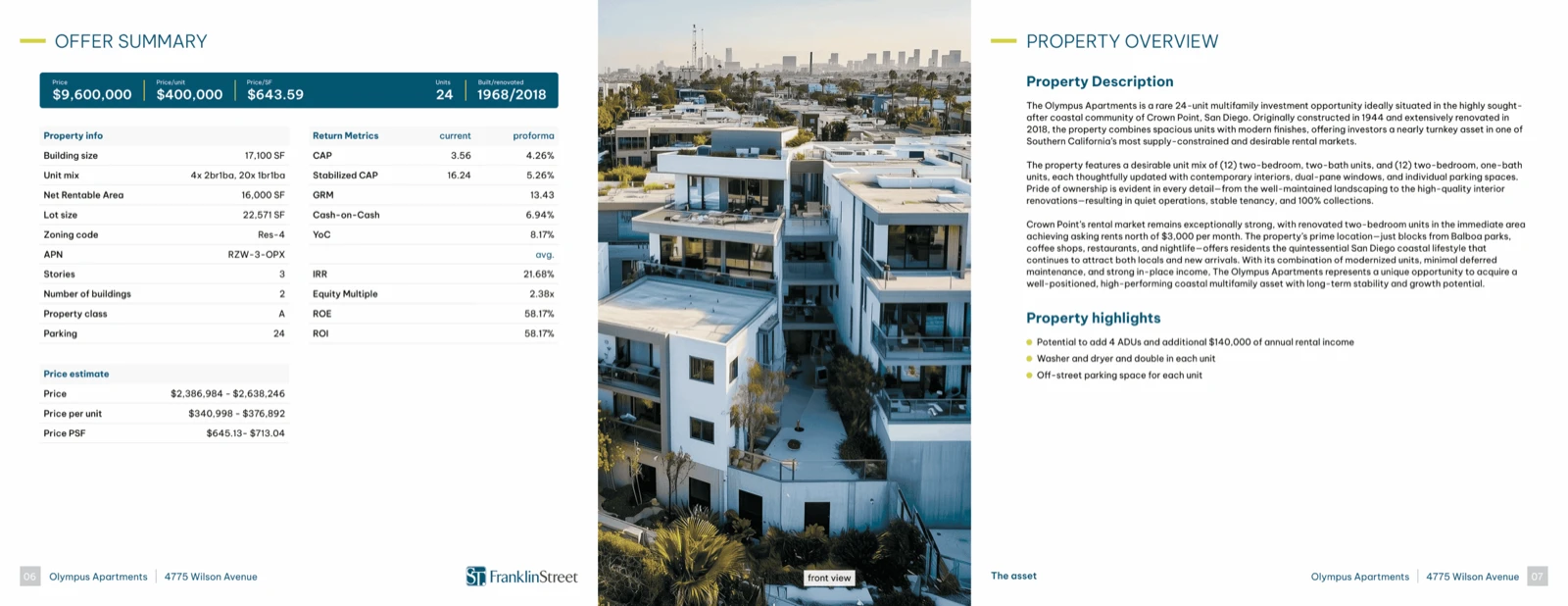
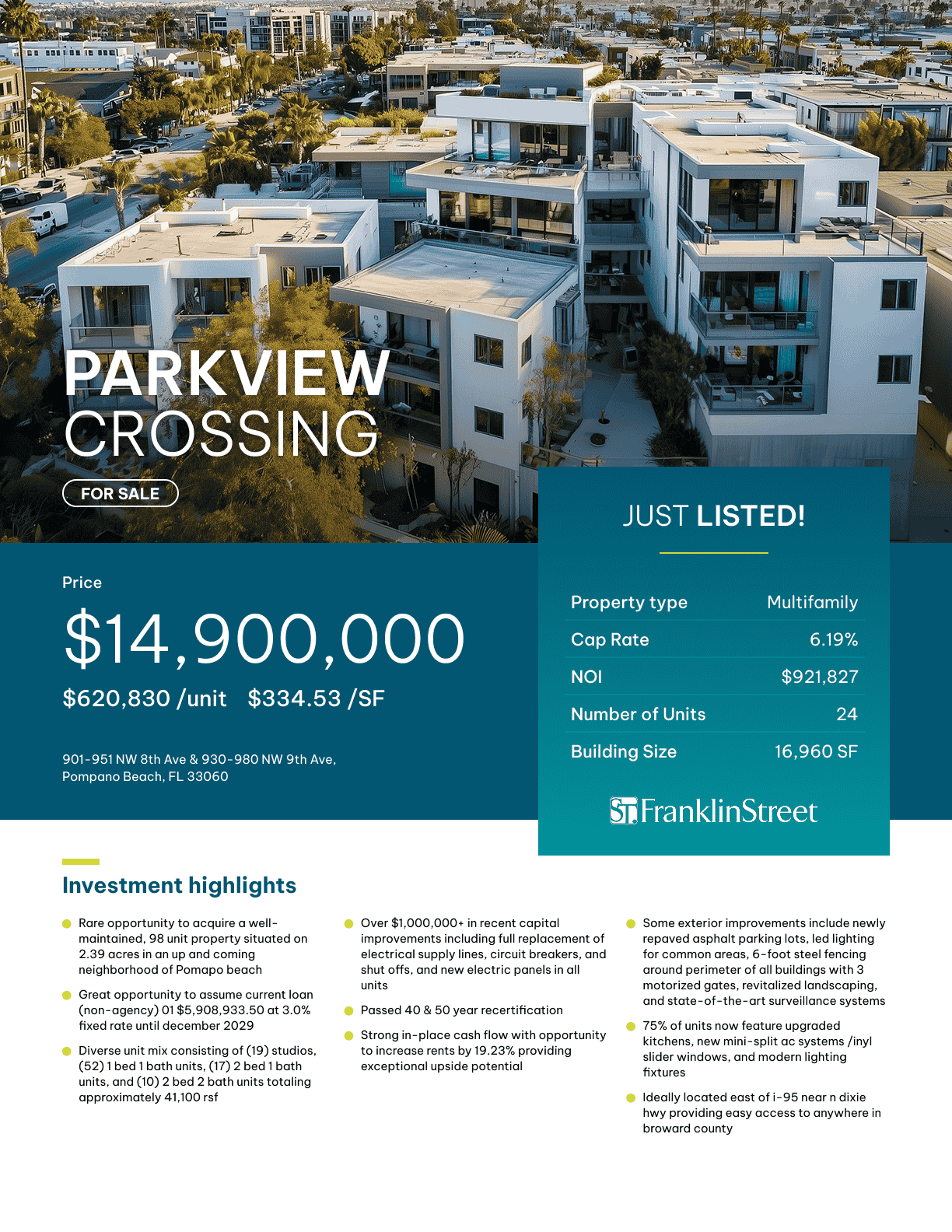
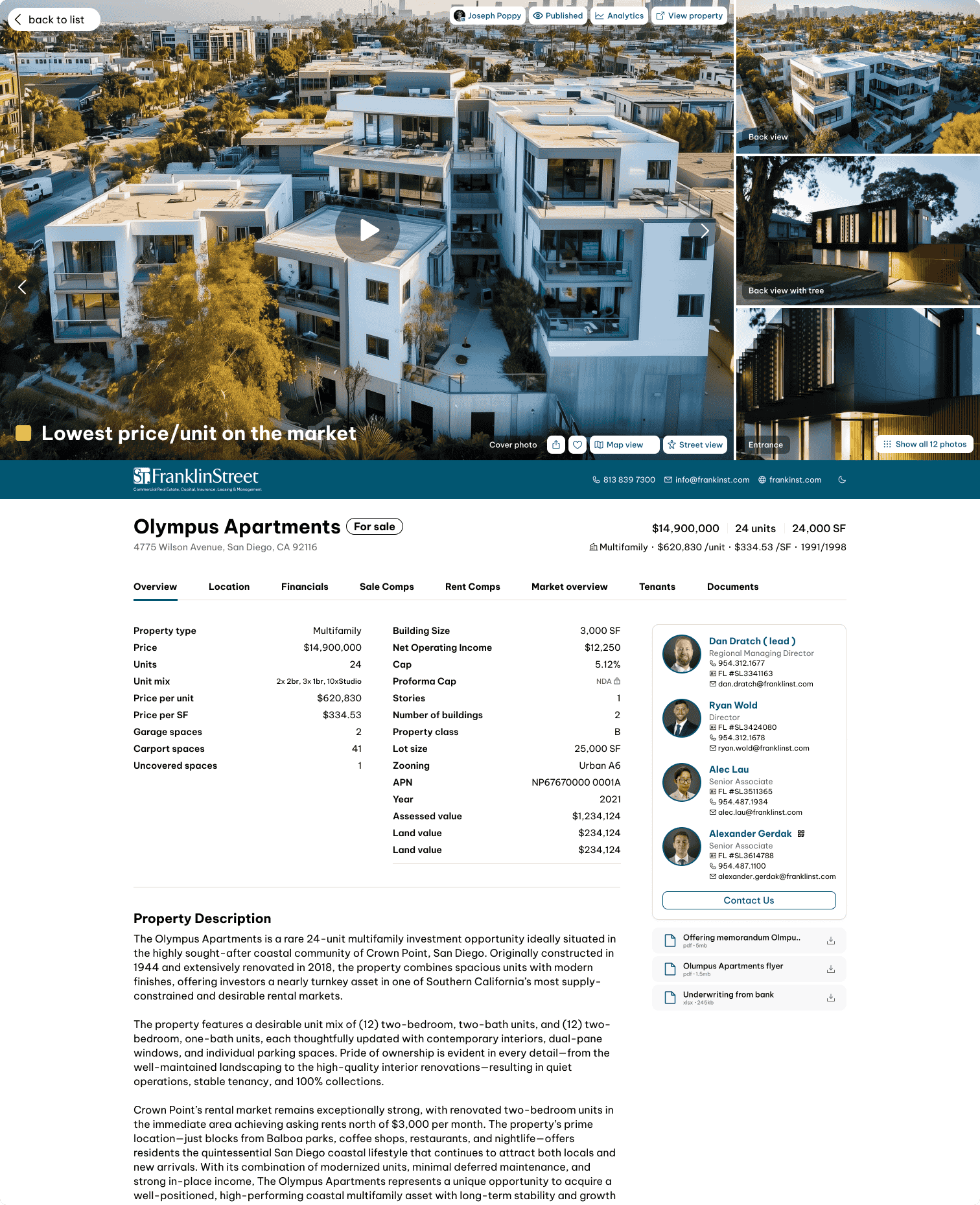
This is precisely why we built Deal Vault—a secure online deal document room built directly into IntellCRE Listing Websites, Property Websites, and Listing Platforms.
Let’s take a quick look together.
What Is Deal Vault?
Deal Vault is a secure online deal document room built directly into your IntellCRE Listing Websites, Listing Platforms, and Deal Websites.
Prospects can:
- Discover your listing
- Request access to documents
- Complete NDA or confidentiality agreement workflows
- Gain access to deal materials
All within one seamless experience.
You have complete control over how access is granted.
You can:
- Set up automatic approvals for instant access
- Create waiting room workflows that require broker approval
- Configure custom NDA and confidentiality agreement processes for each deal and each document individually
Document-Level Permissions
We’ve also built permissions at the document level.
This means you can decide exactly which users can access specific files and when, giving you much greater flexibility than traditional deal room solutions.
Each deal includes its own Deal Vault where you simply upload your files.
You can set default file access for the entire Deal Vault or customize access individually for each document.
For example:
- PDF document — NDA Auto Access
- Cash Flow Excel document — NDA Waiting Room
- Image — Email Required
- Another image — Free Access
With Free Access, there are no additional steps required before viewing or downloading the file.
Track Buyer Engagement
What makes Deal Vault especially powerful is the visibility it provides.
For every document, you’ll be able to track engagement at the individual user level.
You can see:
- Who viewed the file
- How much time they spent reviewing it
- Which documents generated the most interest
- Which prospects are actively engaging with your deal
Instead of simply sharing files, you’re gaining intelligence about buyer behavior.
Because Deal Vault is connected directly to your Listing Website and Deal Website, every document request also becomes a lead generation opportunity, helping you capture more prospects and move deals forward faster.
Built Into the IntellCRE Platform
Our vision for IntellCRE has always been to help brokers launch, market, and manage deals from a single platform.
Deal Vault is a major step toward that vision.
Setting Up Deal Vault
Inside a property, you’ll find the Deal Vault where you can upload your files.
For each document, you can configure visibility.
For example, you can attach documents to:
- The Listing Website
- The Property Website
- Both simultaneously
In this example, we’ll attach all four files to both the Listing Website and the Property Website.
Each file can have a different access level.
Available Access Levels
There are several access options available.
Free Access
The document can be viewed or downloaded immediately.
Email Required
The user must provide an email address or other contact information before viewing the document.
The amount of information required can be fully customized.
NDA Waiting Room
The prospect signs an NDA and submits an access request.
The broker receives both an email notification and a platform notification.
The broker can manually approve or reject access.
NDA Auto Access
After signing the NDA, the user immediately receives permission to view or download the document.
Viewing the Listing Website
Let’s preview the Listing Website.
Here you’ll see the Deal Vault attached to the listing.
The Documents section displays the four uploaded files.
The image with Free Access can be viewed or downloaded immediately.
The second image requires an email address.
After entering your name and email and submitting the information, the document becomes available.
NDA Auto Access Example
The PDF document is protected using NDA Auto Access.
When I select the PDF, I sign the NDA using the customizable fields.
Once completed, the document is immediately unlocked and available to view or download.
NDA Waiting Room Example
The Cash Flow Excel document uses the NDA Waiting Room workflow.
After signing the NDA, I receive confirmation that access has been requested.
The broker receives a notification by email and inside the IntellCRE platform.
The request appears inside the Waiting Room where the broker can approve or reject access.
Once approved, the prospect receives a notification that access has been granted and can immediately download the document.
Lead Analytics
The same process works for both Listing Websites and Property Websites.
One of the most powerful features is the ability to access detailed lead analytics.
You can see:
- Every lead that interacted with Deal Vault
- Document activity
- Time spent reviewing files
- Documents requested
- Complete engagement history
You can also export the full list of leads generated through Deal Vault.
Conclusion
There are many additional custom workflows that we don’t have time to cover today, but this provides a quick overview of what Deal Vault can bring to your brokerage process.
We hope to hear your thoughts and help you build custom NDA workflows for your Deal Room on the IntellCRE platform.
We’re excited to launch Deal Vault and look forward to seeing you in the next feature update video.