


Using Stock Photos in IntellCRE Marketing Assets
Hey everyone, Anton here.
We know how important photos and images are in your marketing assets. As we mentioned, we’ve now added several stock photo libraries into IntellCRE. We license the photos so you can use them whenever you need a photo for any page in any of your marketing assets or websites. You can now tap into the stock photo library.
Accessing the Stock Photo Library
Let me show you how this works.
For any given deal, you would basically go into your Photo Library, and at the top here you’ll see Stock Photos.
Click Stock Photos, and now you can not only look up photos based on keywords, let’s say roof, but you can also choose between different orientations: Landscape, Vertical, and Square.
Once you find a photo you want to use, simply click the photo, and the photo will get imported and added to your Photo Library.
Now we have a picture of the roof.
We can use the Photo Editor to further edit the photo.
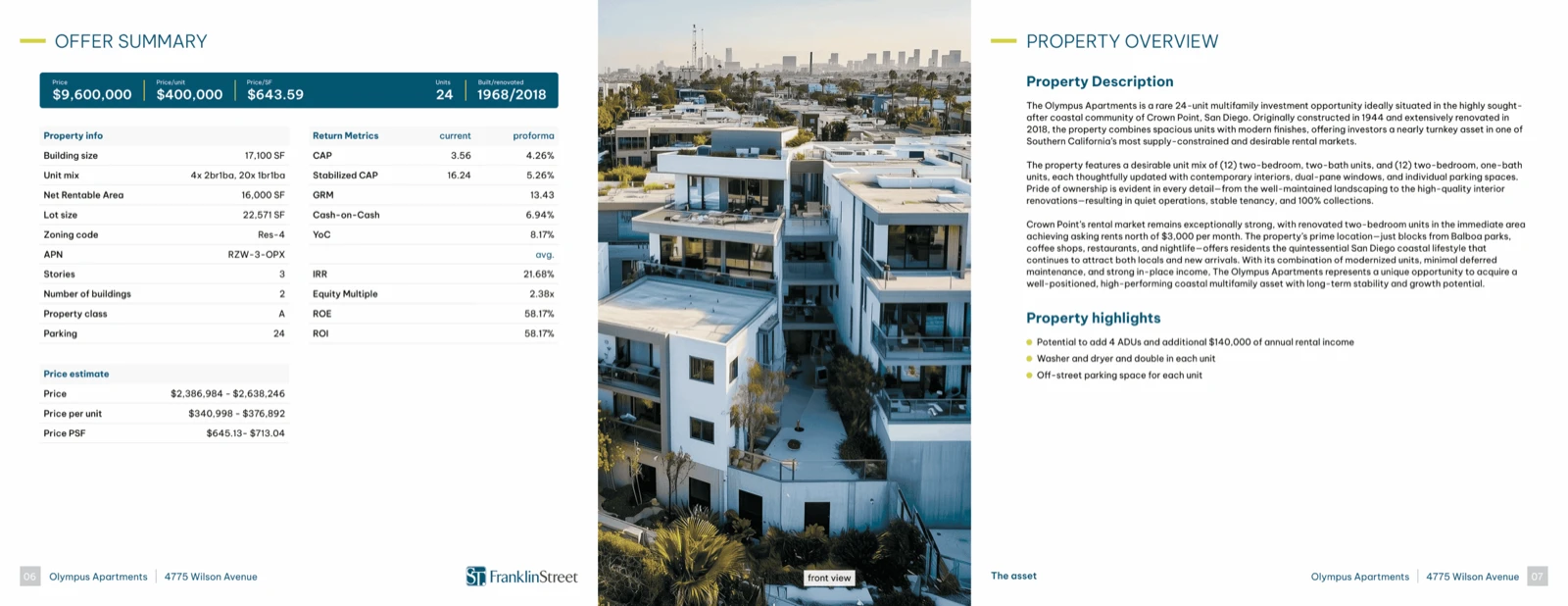
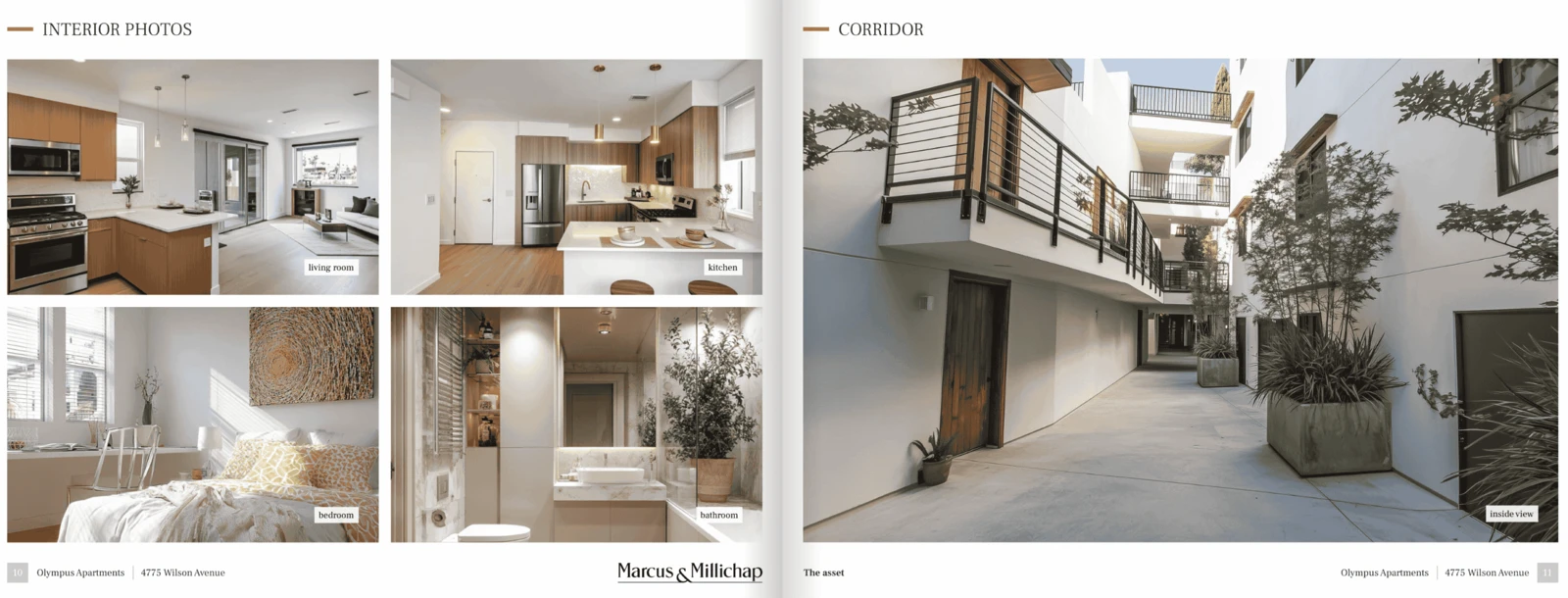
Long story short, we can use this photo in our brochure on a page that is missing a picture, maybe as an illustration behind a table like a rent roll or something like that, or for your section divider pages.
Stock Photos are live. You can access them directly from your Photo Library at the top. You can tap into several stock photo libraries directly through the IntellCRE system.
We hope this is useful, and we’ll follow up with more updates to the library.
Upcoming Photo Management Improvements
We’re going to be reworking the photo management, basically merging the cover photos, additional photos, and area photos in the platform, creating a much smoother workflow for you.
Using Stock Photos from the Brochure Builder
I would like to show you guys two things with regards to the new option of using Stock Photos.
In the Brochure Builder itself, when you’re adding a page and you have an Image Module on the page, you can also access the Stock Photos directly from the Page Builder by clicking this icon on the top left that takes you to the library.
Then you can go to Stock Photos and search for San Diego.
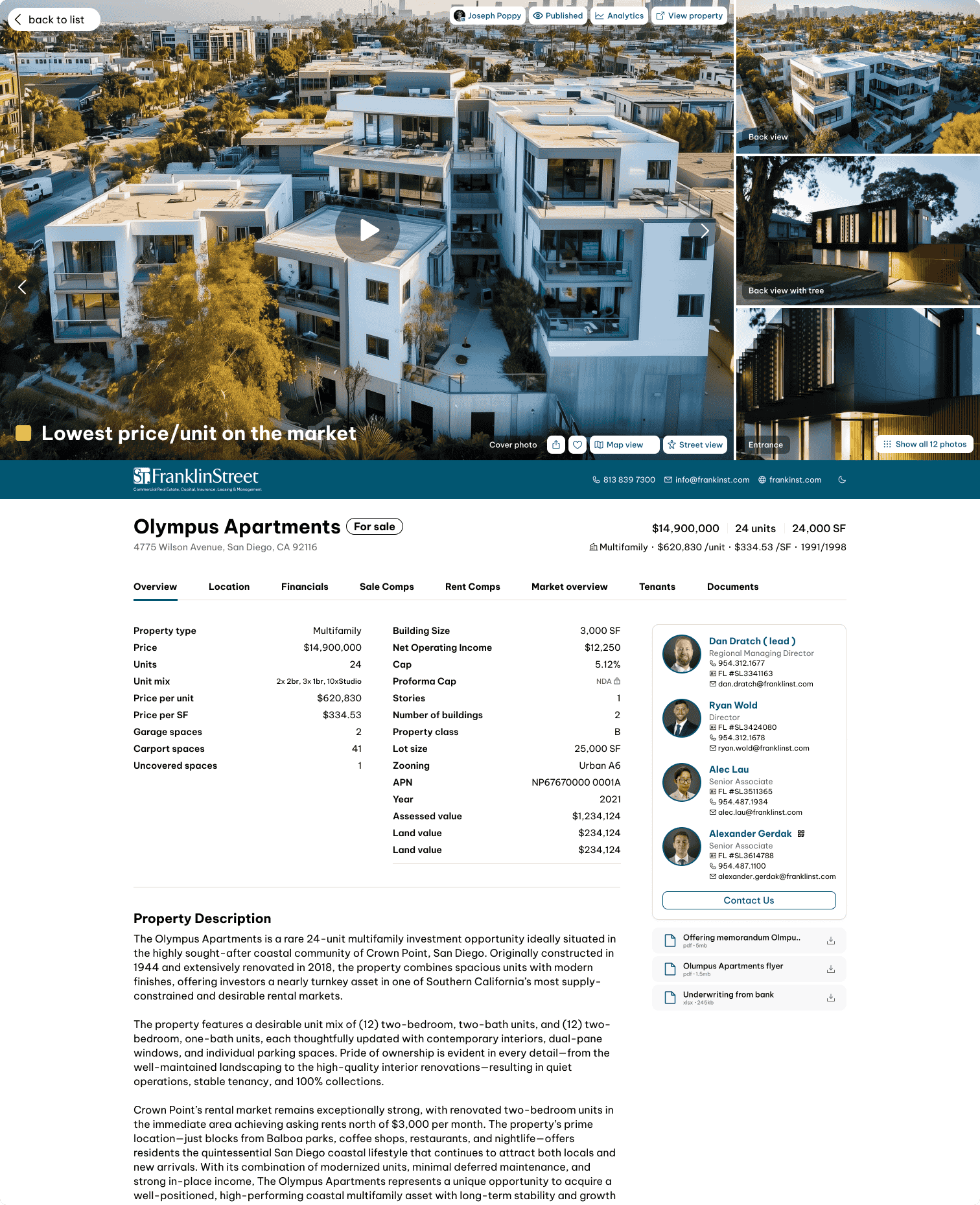
We can use a picture like this.
Why Stock Photos Matter
Now, why is this important?
Let’s say this was your section divider or this was the page introducing your financials.
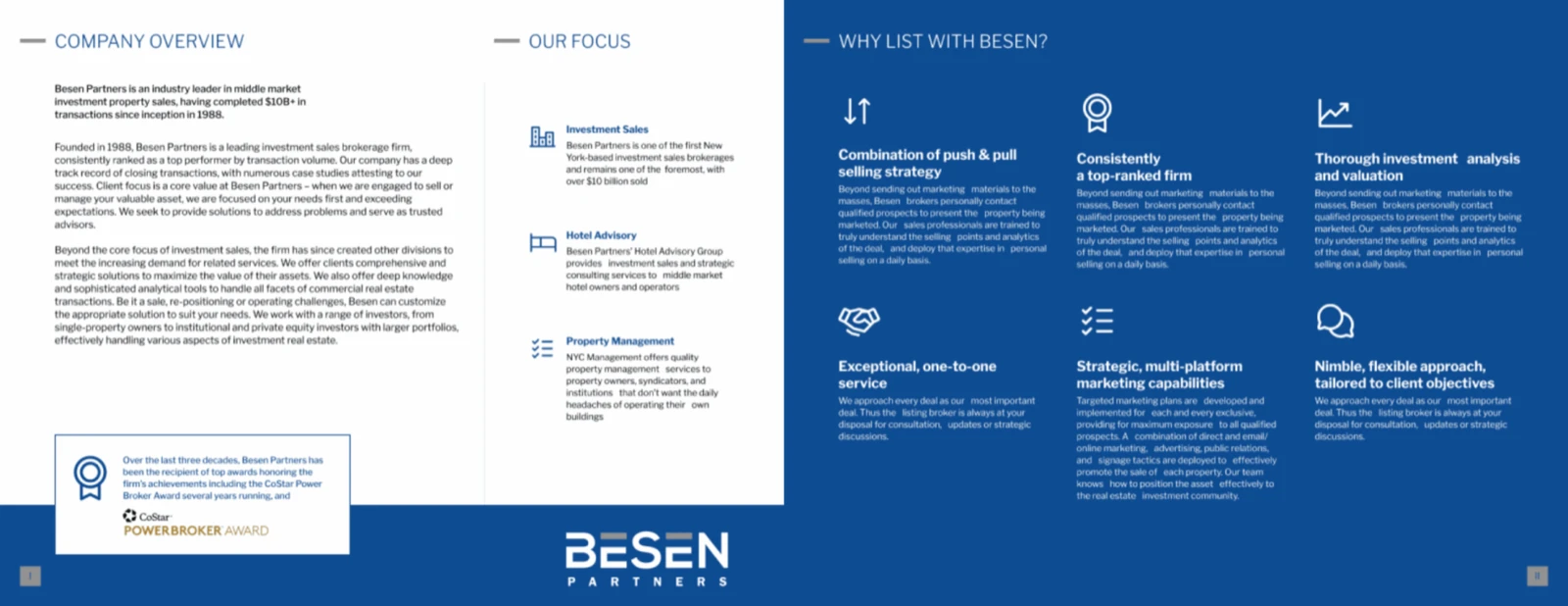
Once we’re using good photos like this, the overall feel of the brochure or the marketing asset can be quite different.
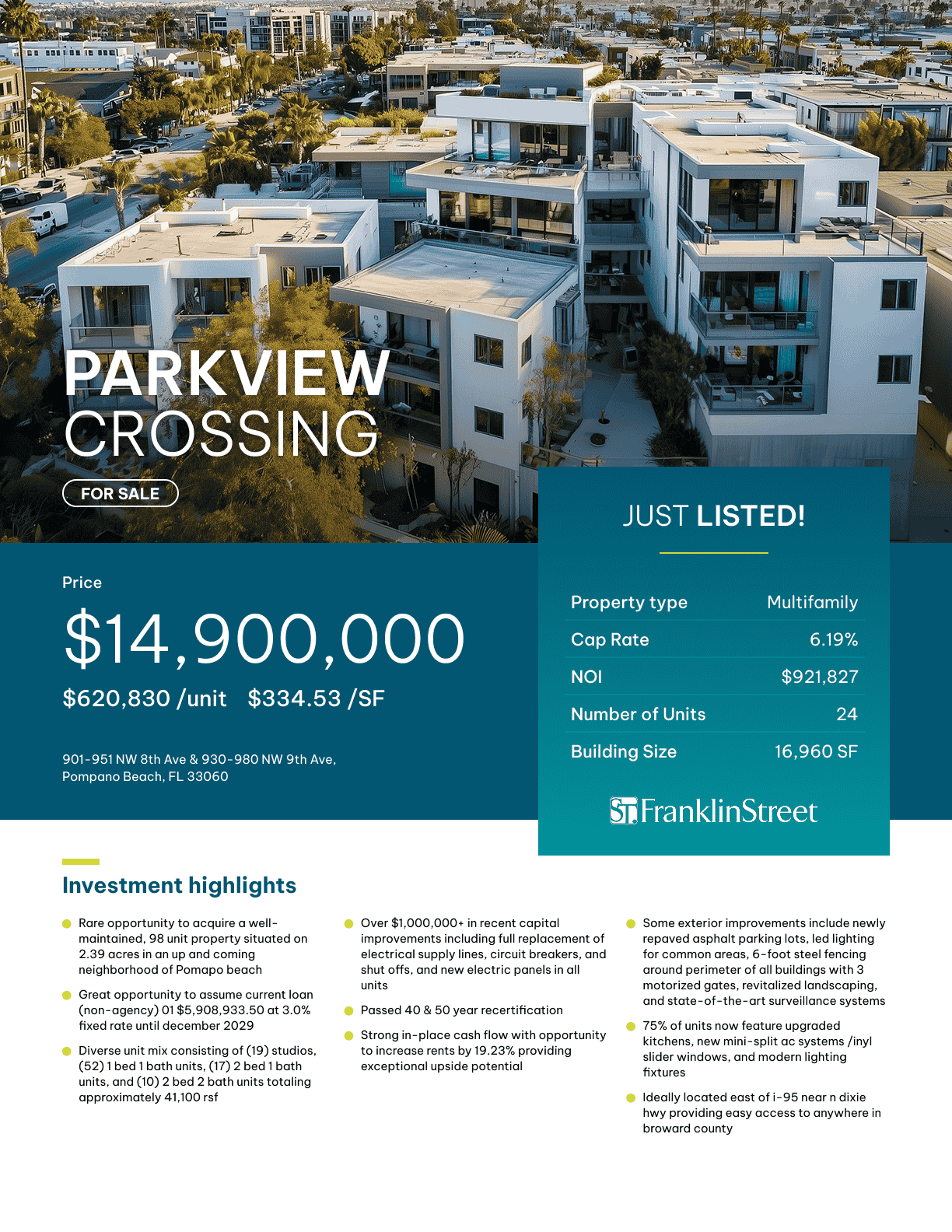
This is the same photo used as the introductory page for Financials. Here’s the same photo in a slightly different design.
You can see how beneficial using the stock images can be, especially if you have a deal where you don’t have enough photos either for the market, for the property, or in general.
You can tap into these stock photo libraries to basically make your brochure instantly much nicer.
So those are my two comments.
See you in the next video.
Bye.